3-4
MACHINE CONTROLS
SY95C Excavator OMM
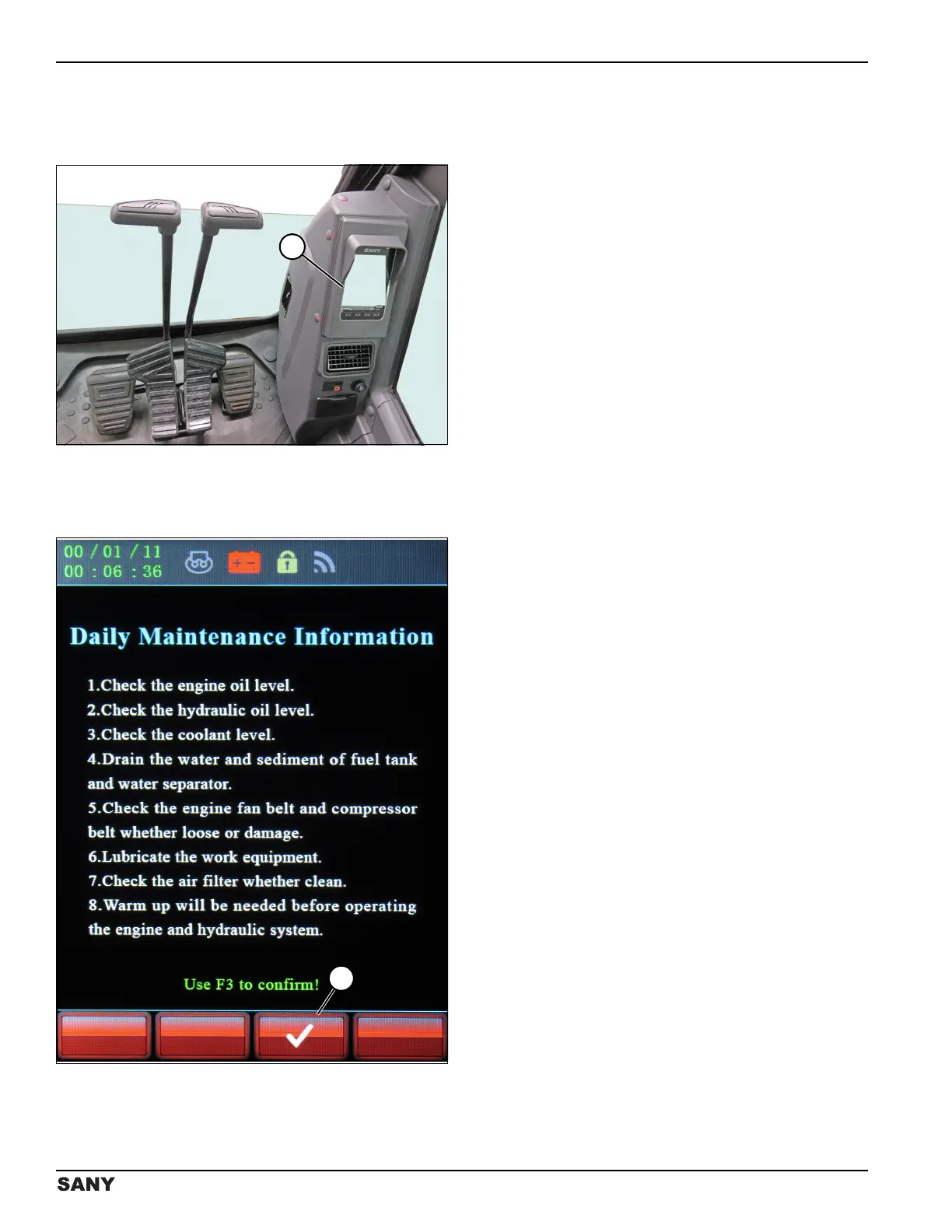
Monitor
The monitor (1) displays machine operating information
and provides access to change system parameters.
0004542
Figure 3-2
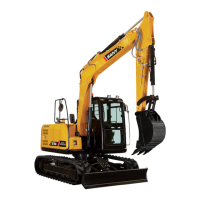
Daily Maintenance Information
Screen
0003808
Figure 3-3
When the key switch is turned to ON, the monitor
displays the Daily Maintenance Information screen.
Checklist steps 1–7 should be completed before starting
the machine. See “Prestart Checks and Adjustments” on
page 4-5.
Start the machine and warm it up before operating the
engine and hydraulic system (checklist step 8). See
“Starting the Engine” on page 4-13.
Press the button below the check mark icon (1) to
confirm all checks and procedures have been completed.
The screen will change to the home screen. See “Home
Screen” on page 3-5.



 To Next Page