3-18
MACHINE CONTROLS
SY95C Excavator OMM
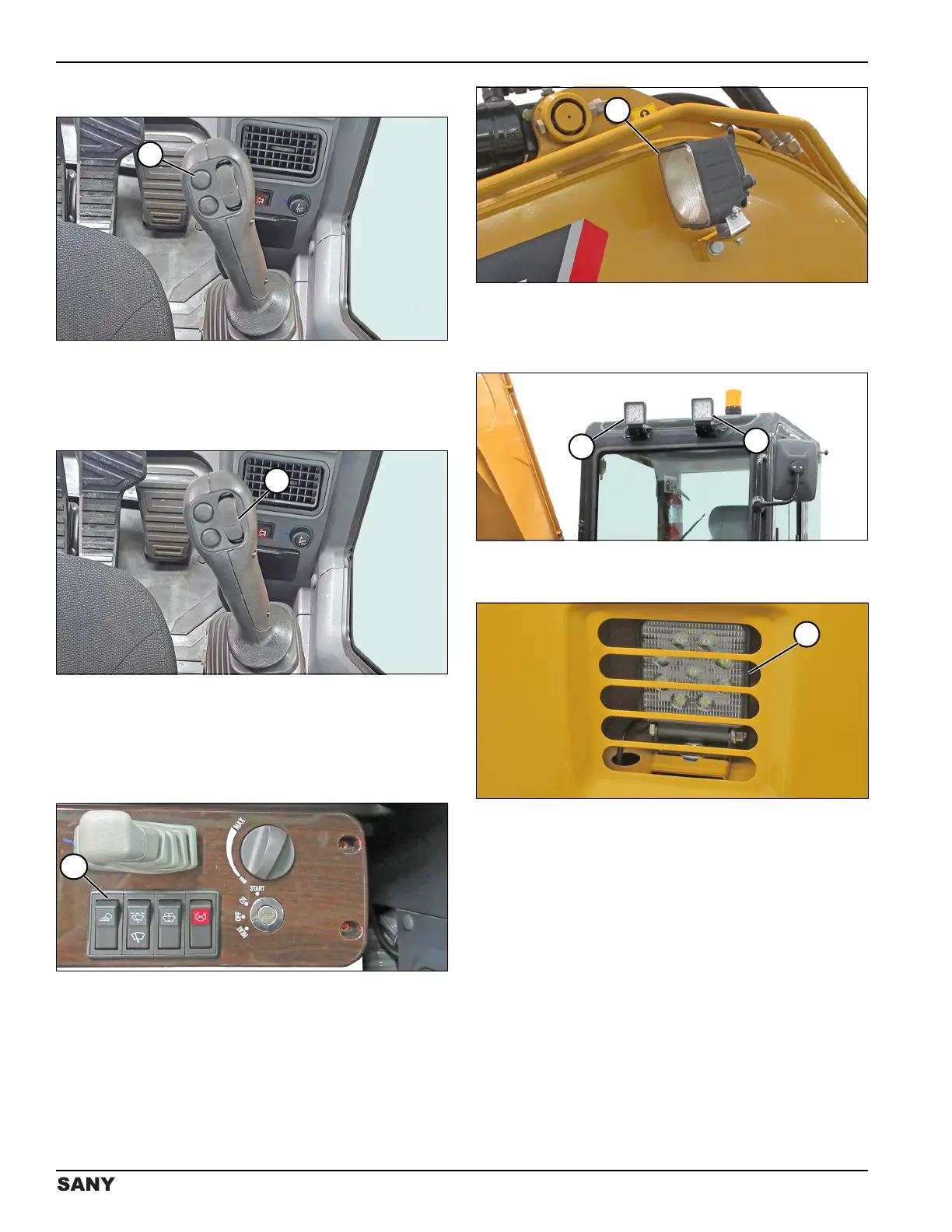
Horn Button
0004469
Figure 3-24
The horn button (1) is on top of the right joystick. Press
the horn button to sound the horn.
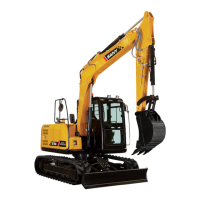
Auxiliary Hydraulic Switch
0004469
Figure 3-25
The auxiliary hydraulic switch (1) is on top of the right
joystick. The auxiliary hydraulic switch is used for
optional one-way or two-way flow equipment.
Work Light Switch
0004466
Figure 3-26
The work light switch (1) turns the work lights on and off.
0002759
Figure 3-27
There are four work lights:
• One work light (2) on the boom.
0004477
Figure 3-28
• Two work lights (3) on the cab roof.
0004572
Figure 3-29
• One work light (4) on right front of machine, under
steps assembly.



 To Next Page