Translation of Original Operating Instructions
Airport Sweeper / Airport Stand Cleaner
2017-02-02 86
8.5.20.2 Automatic mode
DANGER
People can be caught between the front-
mounted machine and the vehicle. In automatic
mode, the function of the attachment can only
be stopped by switching off the ignition of the
auxiliary engine or via the EMERGENCY STOP.
TIP
The "Automatic" function is only activated when
driving. If the vehicle is at a standstill, the
control program switches to manual operation.
During automatic operation, the joystick only needs
to be moved briefly in the functional direction of the
attachment. The attachment moves automatically
to its end position.
Start the vehicle engine and switch on the
ignition of the attachment motor.
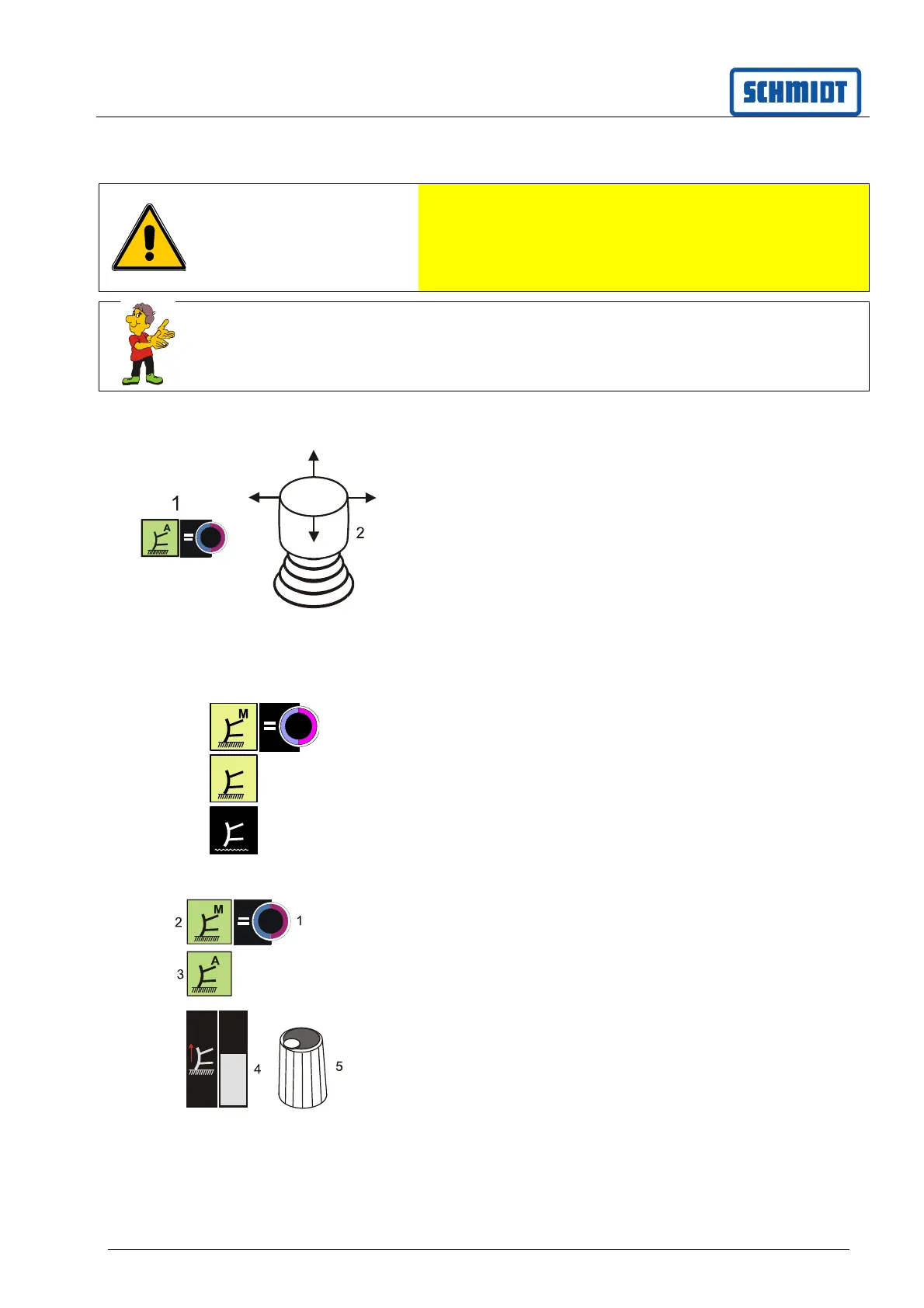
Press button (1); the "Automatic control" symbol
is illuminated in green.
The function is executed to the end position by
briefly tipping the joystick (2).
8.5.20.3 Turning off the control
To turn it off, press the 'Automatic' (1) or 'Manual
operation' (2) button again until symbol (3) appears.
Attachment is switched off.
8.5.21 Set plough relief
Switch on the ignition of the auxiliary engine.
Continue to press the (1) button until the green
symbol (2) "Manual" or (3) "Automatic" appears.
Relief of the front-mounted machine is activated.
It is shown in the display (4).
Plough relief can be set by rotating the (5) knob.
The relief is shown with the display (4).
A
1
2
3



 To Next Page