2.6
SEL-2701 Ethernet Processor Instruction Manual Date Code 20020501
Installation
Network Connections
Network Connections
Network Ports
The SEL-2701 can use either the connection on Port A or Port B to operate on
a network. These ports work together to provide a primary and backup
interface, as described in Network Port Fail-Over Operation on page 3.3 in
Section 3: Settings and Commands. The following list describes the SEL-2701
network port options.
➤ 10/100BASE-T. 10 Mbps or 100 Mbps communications using
CAT 5 cable (category 5 twisted-pair) and an RJ-45 connector
➤ 10BASE-FL. 10 Mbps communications over multimode fiber-
optic cable using an ST connector
➤ 100BASE-FX. 100 Mbps communications over multimode
fiber-optic cable using an ST connector
SEL-2701
Rear-Panel Layout
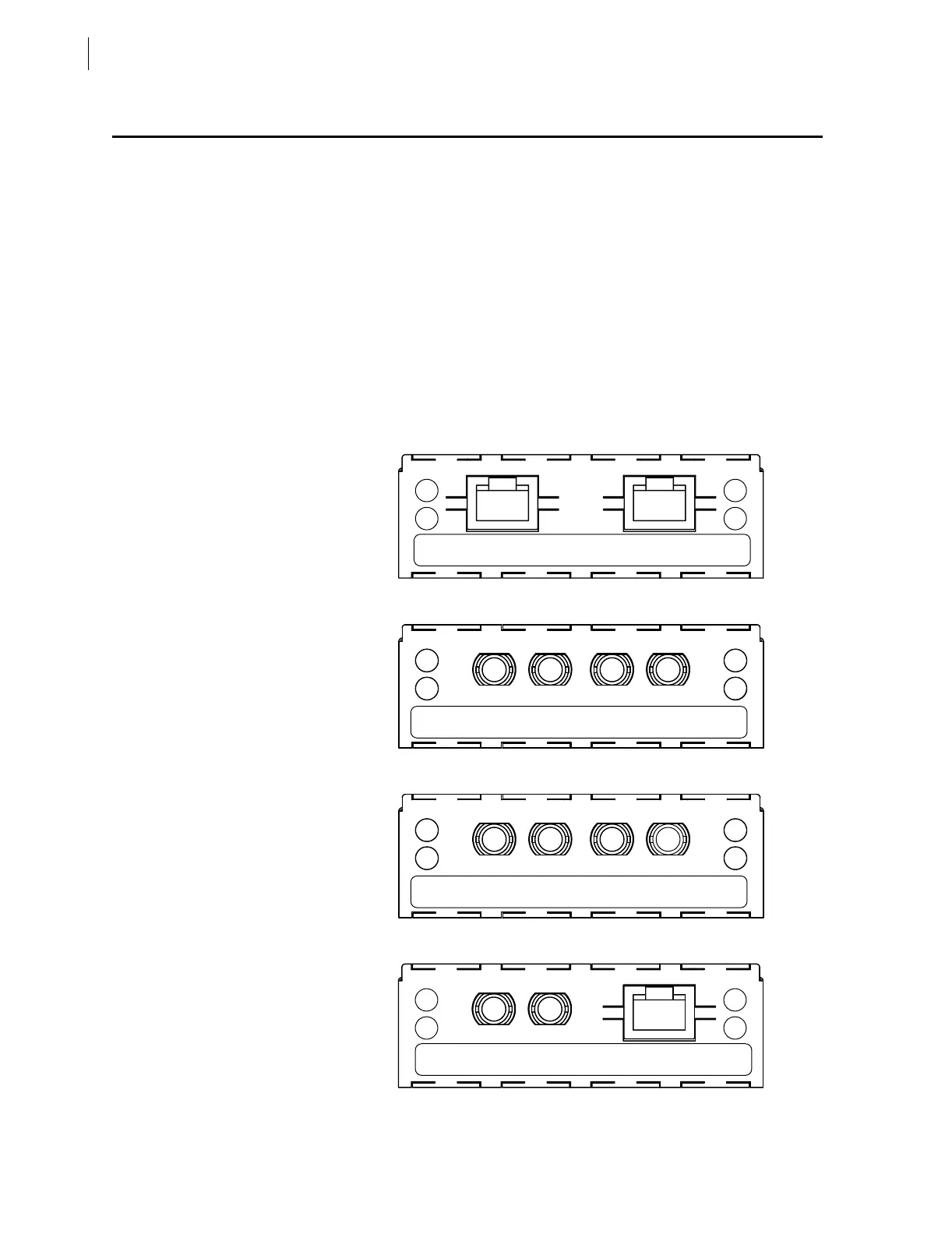
Rear-panel layouts for the six SEL-2701 network port configurations are
shown in Figure 2.4–Figure 2.9
.
Figure 2.4 Two 10/100BASE-T Port Configuration.
Figure 2.5 Two 10BASE-FL Port Configuration.
Figure 2.6 Two 100BASE-FX Port Configuration.
Figure 2.7 10BASE-FL and 10/100BASE-T Port Configuration.
Lnk/Rx Port A Port B B
A10/100T
SEL-2701
10/100TPwr/Tx
SN: 2000189163
Lnk/Rx Port A Port B B
ARx 10FL Tx Rx 10FL Tx
SEL-2701
Pwr/Tx
SN: 2000189163
Lnk/Rx Port A Port B B
ARx 100FX Tx Rx 100FX Tx
SEL-2701
Pwr/Tx
SN: 2000189163
Lnk/Rx Port A Port B B
ARx 10FL Tx
SEL-2701
10/100TPwr/Tx
SN: 2000189163



 To Next Page