4.7
Date Code 20020501 SEL-2701 Ethernet Processor Instruction Manual
SEL-2030 Host
Data Access
Data Access
FTP
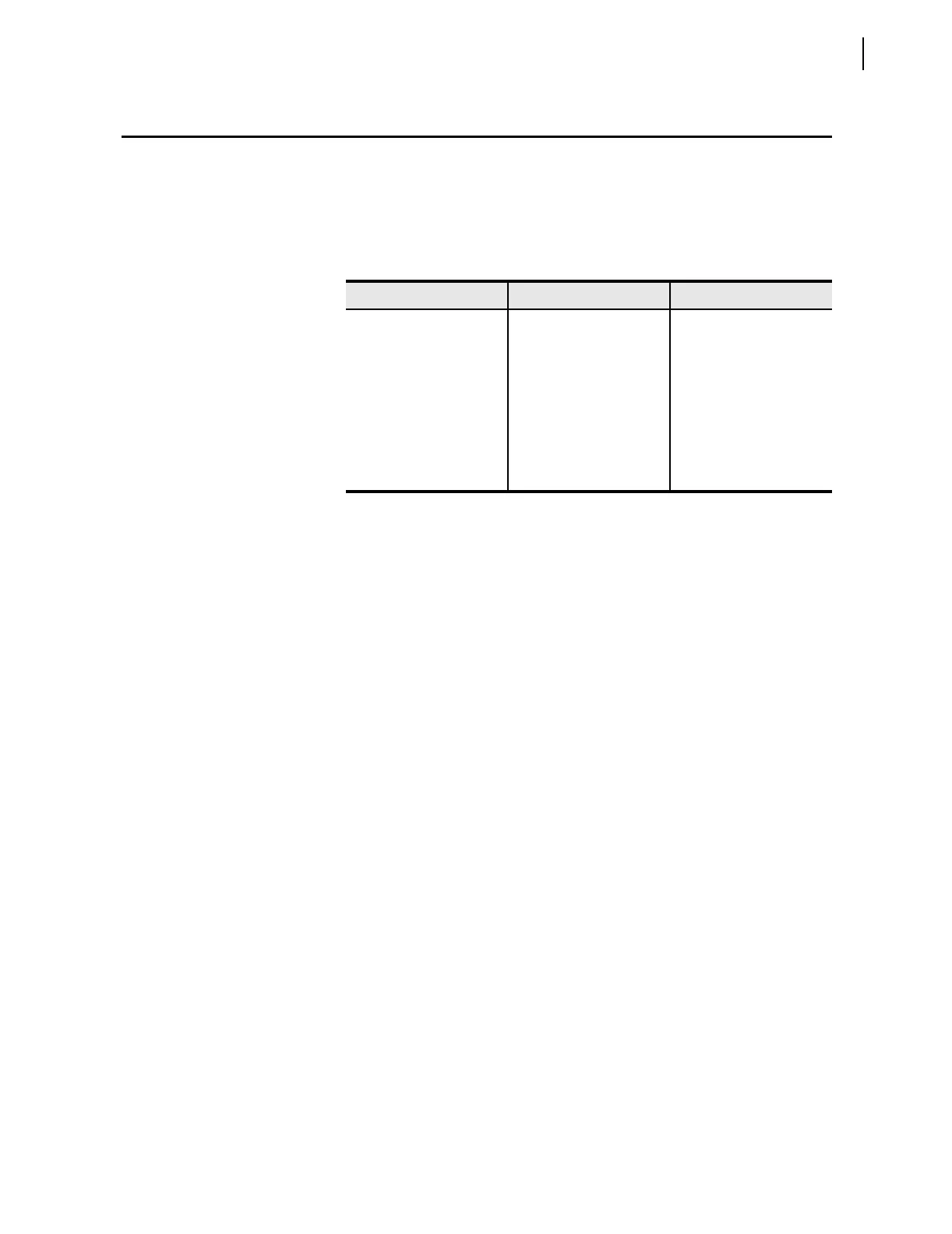
You can access the file structure and contents in Table 4.7 after logging in as
an FTP client. Files named for database regions contain the most current
values at the time you request the files. You cannot write files to the
SEL-2030. Files associated with the SEL-2701 are in the SEL-2701 directory,
as described in Section 3: Settings and Commands
.
Telnet
You can establish three types of Telnet connections with the SEL-2030 and
SEL-2701.
Telnet to the SEL-2030
For the first connection type, use the TCP/IP host port number (see setting
T1PNUM in Table 3.6 on page 3.7 in Section 3: Settings and Commands) to
Telnet to the SEL-2030. This connection emulates the capabilities of a
connection to the SEL-2030 front port, except that no automatic help is
available. Help is still available using the SEL-2030 HELP command. It also
makes available all SEL-2030 commands, including access level commands.
Use access control rules and the name the SEL-2030 provides at log in to
determine the initial access level.
After establishing a Telnet connection to the SEL-2030, you can make a
transparent connection to an IED connected to an SEL-2030 serial port. See
the SEL-2030 Reference Manual for more information on transparent
connections using the PORT command.
Use the QUIT command to log out and end the Telnet session.
Telnet From the SEL-2701
For the second connection type, use the SEL-2701 to reach across the Ethernet
network to other devices. For example, to connect to a remote device on the
Ethernet network, connect to an SEL-2030 serial port that is set for SEL
protocol and master connection. Use the PORT n “ip p” command to start a
connection to a remote device. For n, use the SEL-2030 port number where
the SEL-2701 is installed. For ip, enter a network Internet Protocol (IP)
address or a text network address from the SEL-2701 network address
resolution settings. For p, use the Telnet port number (defaults to standard
Telnet port of 23 if not specified).
Use the SEL-2030 transparent connection termination sequence (default is
CTRL + D) to close the Telnet connection. If the remote device is an SEL IED
Table 4.7 SEL-2030 File Structure
Root Directory Subdirectory File Names
/ SEL-2701 DIAGNOSTICS.TXT
DD01_DeviceID REGION1.TXT
REGION1.CAS
•
•
•
REGIONn.TXT
REGIONn.CAS



 To Next Page