6.4
SEL-2701 Ethernet Processor Instruction Manual Date Code 20020501
Troubleshooting
SEL-2701 Indicator LEDs
SEL-2701 Indicator LEDs
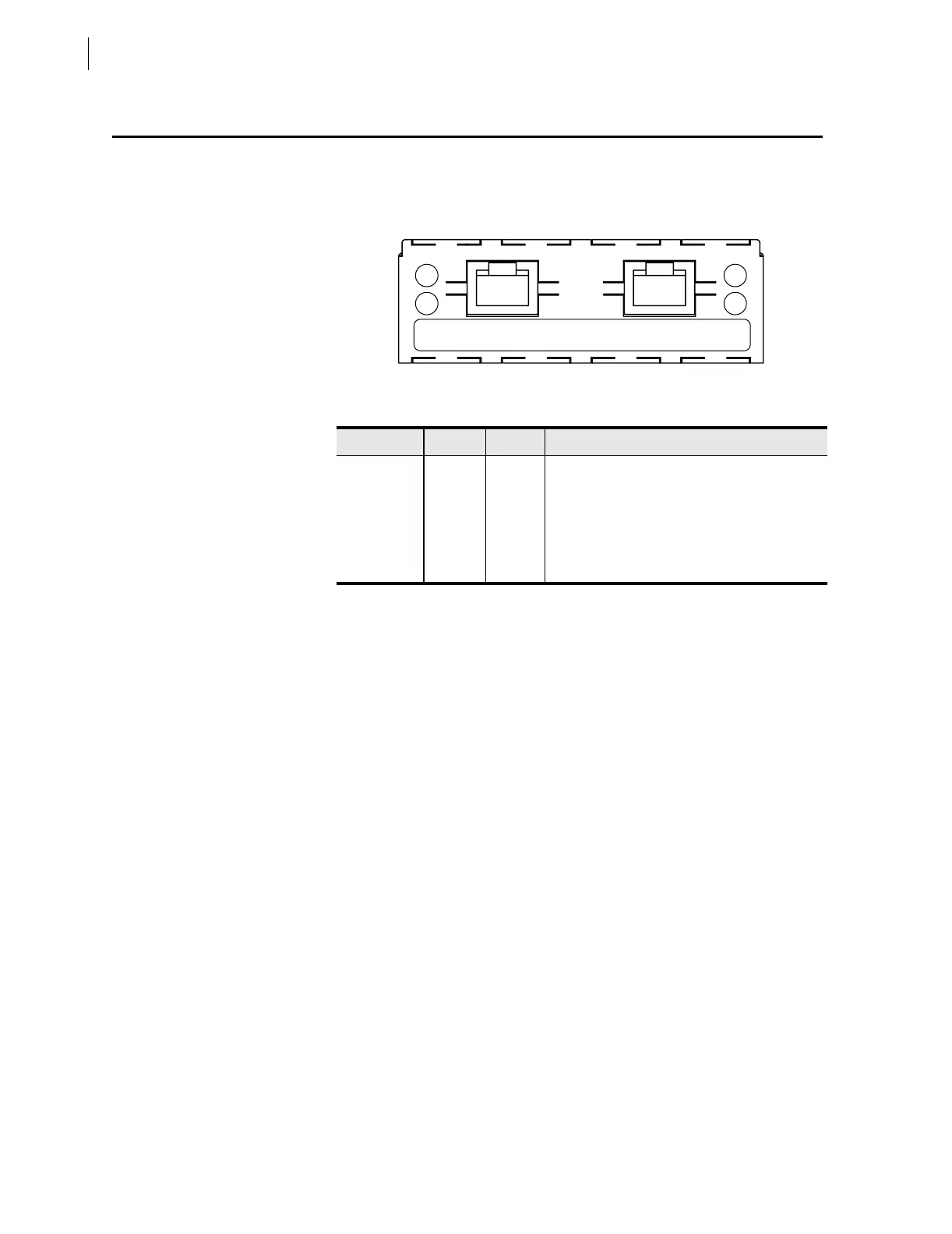
There are four indicator LEDs on the SEL-2701. The LEDs and panel label
for the dual twisted-pair SEL-2701 are shown in Figure 6.1. The operation of
each LED is explained in Table 6.1.
Figure 6.1 Example SEL-2701 Panel.
The Pwr/Tx indicator flashes off when the SEL-2701 sends out an Ethernet
message. The Pwr/Tx indicator is off continuously for extended periods when
there is a high outgoing message volume. The Pwr/Tx indicator is on
continuously if the host has power, the card is properly installed, and either no
Ethernet medium is connected or the port selection setting NETPORT is set to
D (disabled).
The Lnk/Rx indicator flashes off for all Ethernet traffic visible to the
SEL-2701 regardless of whether the messages are intended for the SEL-2701.
During periods of high network traffic volume, the Lnk/Rx indicator is off
continuously for sustained periods.
The A and B indicators show which network port is active. If the primary port
setting, NETPORT, is set to D, both indicators will be off. If the FAILOVR
enable setting is set to No, the A and B indicators reflect the port selected in
NETPORT. If FAILOVER is set to Yes, the indicator displays the port selected
by the automatic fail-over operation.
Table 6.1 SEL-2701 LED Indicators
Location Color Label Operation
Upper left Red Pwr/Tx On when card has power and is not transmitting.
Flashes off when transmitting Ethernet messages.
Lower left Green Lnk/Rx On when a good link is detected on the active port.
Flashes off when receiving Ethernet messages.
Upper right Green A On if Port A is active.
Lower right Green B On if Port B is active.
Lnk/Rx Port A Port B B
A10/100T
SEL-2701
10/100TPwr/Tx
SN: 2000189163



 To Next Page