Date Code 20181001 SEL-3031 Instruction Manual
Installation
Communications
2.21
Figure 2.12 SEL-C576 Cable: Synchronizing Cable for SEL-3031
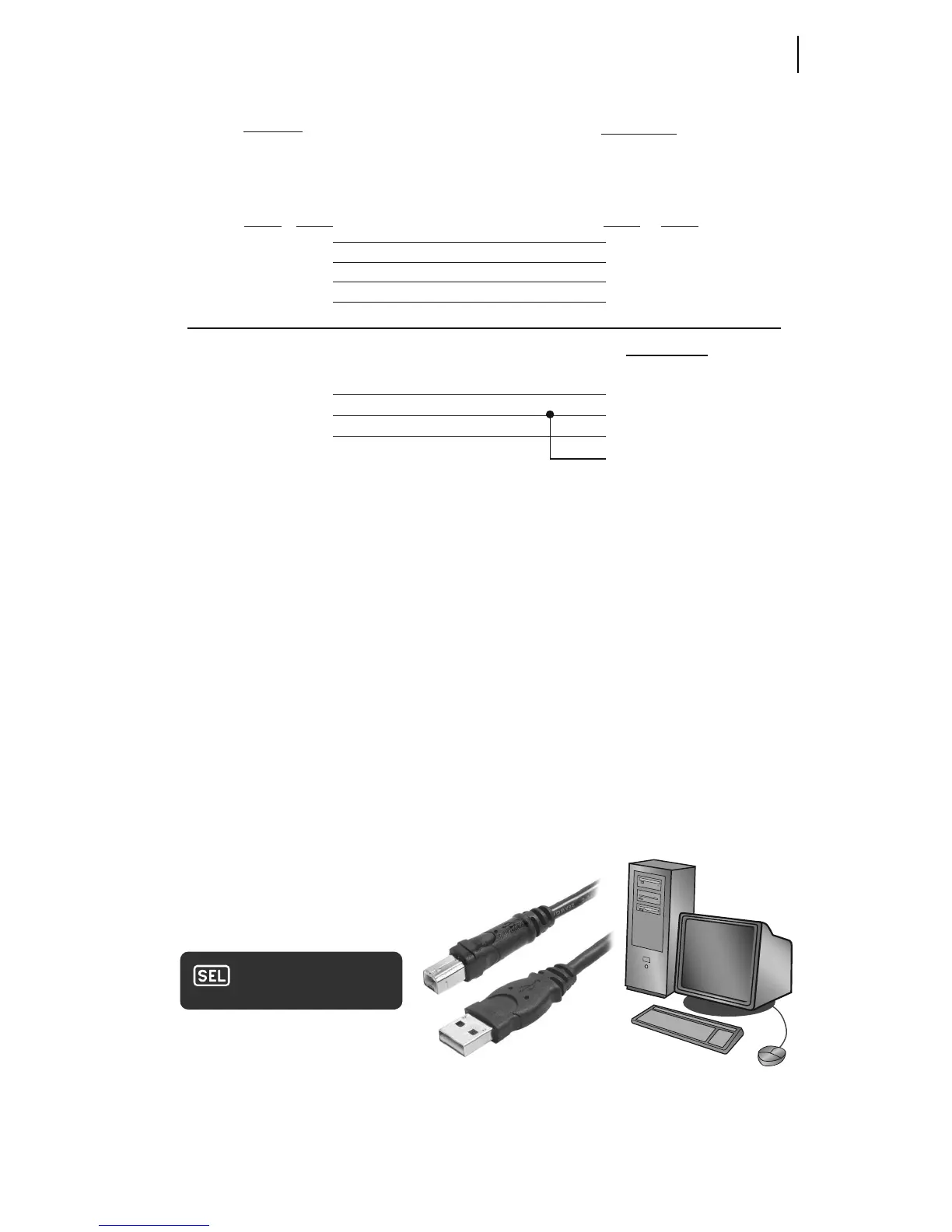
USB Interface
The SEL-3031 uses a standard USB Type-B interface for the management port. The
USB interface is used for settings management, initial radio installation, and reporting
data from long-term radio statistics. The management port may be used while the
SEL-3031 is in service without disrupting the radio communications. To use this
interface, plug a USB Type-B cable into the radio and plug the other end into your PC.
This will automatically prompt your PC to install a USB-to-serial driver that creates a
virtual serial port. The virtual serial port needs to be set to 9600 bps, 8 data bits, 1 stop
bit, and no parity to properly communicate with the SEL-3031. This virtual serial port
can now be used with
ACSELERATOR QuickSet
®
SEL-5030 Software to help set and
view settings and obtain report information.
Figure 2.13 USB Interface
SEL-3031
9-Pin Male
Subminiature "D" Connector
9-Pin Female
Subminiature "D" Connector
1
2
3
5
1
2
3
5
+5Vdc
RXD
TXD
GND
Pin
Func.
+5Vdc
RXD
TXD
GND
Pin
Func.
Pin # Pin #
BNC Jack Connectors
SYNC IN/OUT
DTE Device
NOTE: For best results, limit the cable length to 15 m (~50 ft)
BROWN
ORANGE
RED
SHIELD
7
5
8
SYNC IN
GND
SYNC OUT
CENTER
SHIELD
CENTER
SHIELD
BLUE
BLACK
WHITE
SYNC IN
SYNC OUT



 To Next Page