Date Code 20181001 SEL-3031 Instruction Manual
Settings and Commands
Settings
4.7
QuickSet shows all of the settings categories in the settings tree view. The settings tree
view remains constant whether settings categories are enabled or disabled. However,
any disabled settings are dimmed when accessed by clicking an item in the tree view.
File Menu
QuickSet uses a database to store and manage SEL device settings. Each unique device
has its own record of settings. Use the File menu to open an existing record, create and
open a new record, read device settings, create an open a new record, or convert and
open an existing record. This record can be opened in the Settings Editor as a Setting
Form (template) or in Editor Mode.
File > New
Select File > New to command new settings files. QuickSet will create the new settings
files from a driver that you specify in the Settings Editor Selection dialog box.
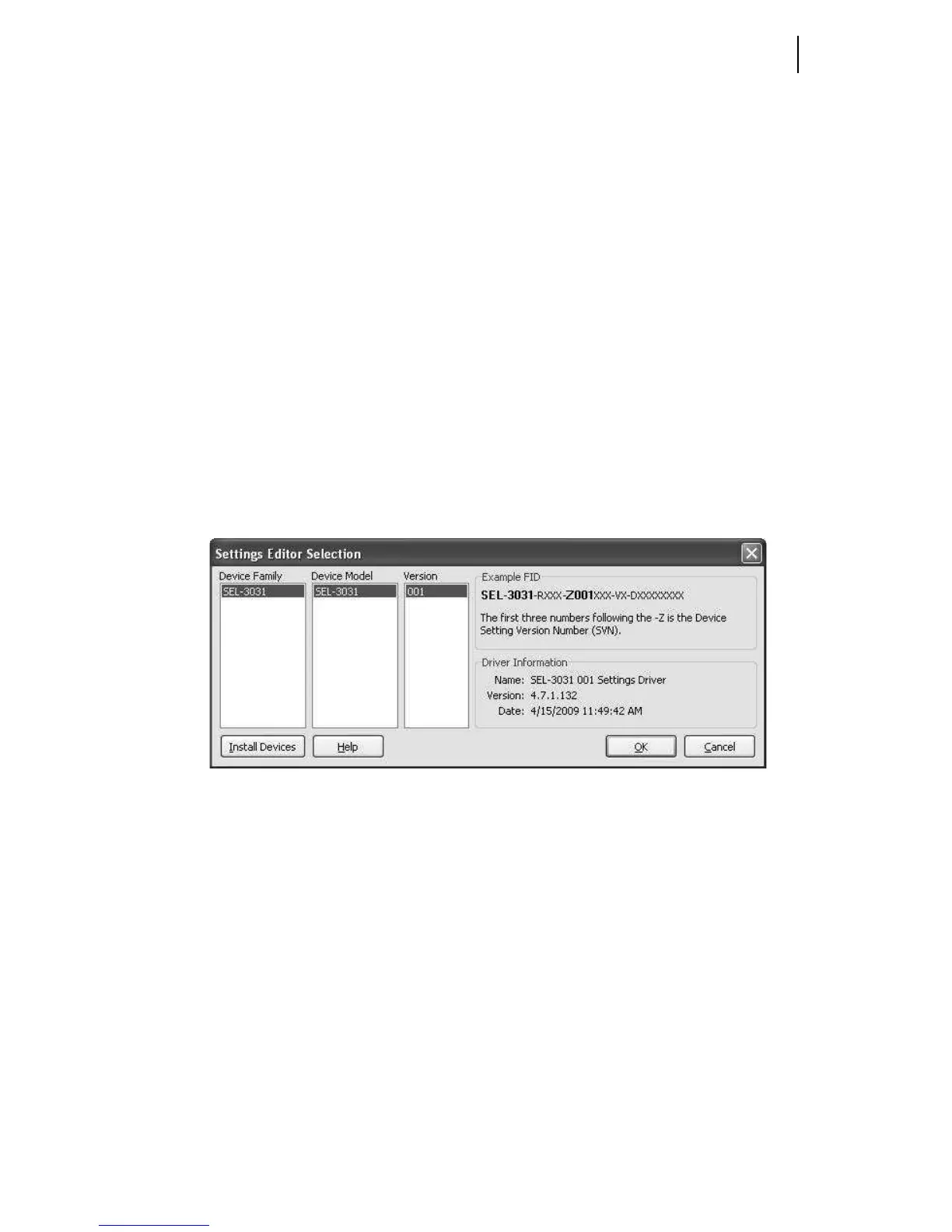
QuickSet uses the Z-number in the FID string to create a particular version of settings.
To get started, select File > New from the main menu bar, then select SEL-3031 and
001 from the Settings Editor Selection window as shown in Figure 4.5.
Figure 4.5 Selection of Drivers
After you select the device model and settings driver, QuickSet will present the Device
Part Number dialog box. Use this dialog box to configure the Device Editor to produce
settings for your device with options determined by the part number, as shown in
Figure 4.6. Click OK when finished.



 To Next Page