SEL-3031 Instruction Manual Date Code 20181001
Settings and Commands
PC Software
4.2
Communications
QuickSet uses the device USB management port to communicate with the SEL-3031.
Perform the following steps to configure QuickSet to communicate effectively with the
device.
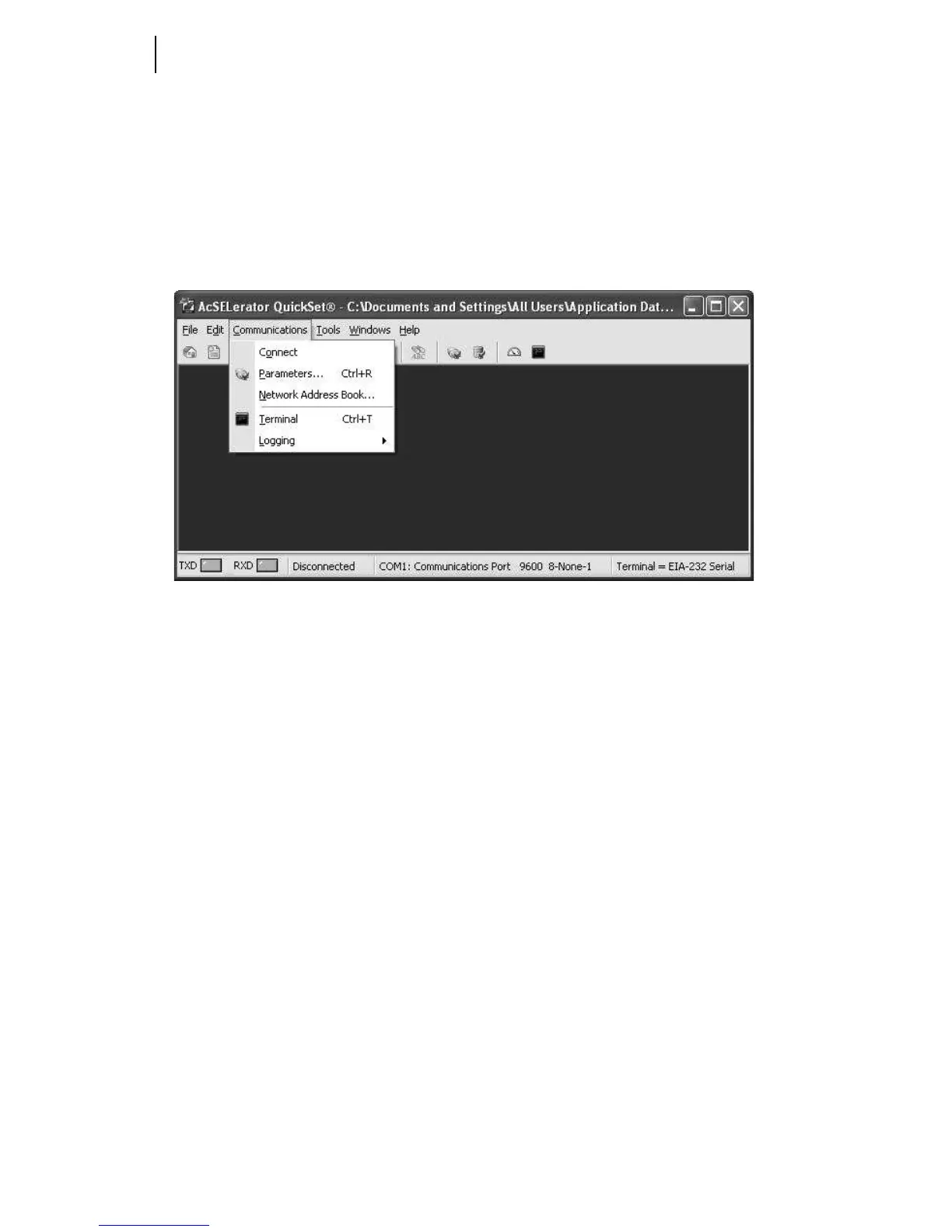
Step 1. Click Communications from the QuickSet main menu bar, as shown
in Figure 4.1.
Figure 4.1 Communications Menu
Step 2. Select Parameters to display the screen shown in Figure 4.2.



 To Next Page