SEL-3031 Instruction Manual Date Code 20181001
Settings and Commands
Settings
4.12
Date_F allows you to change the device date presentation format to either North
American standard (Month/Day/Year), Engineering standard (Year/Month/Day), or
European standard (Day/Month/Year).
5V_EN enables the +5 V on Pin 1 on every EIA-232 DB-9 serial port. When this
setting is on, all three ports will have +5 Vdc on Pin 1. The entire load on the +5 V
must not exceed 500 mA.
Radio Settings
NETARCH sets the primary operation mode of the radio. P2P is the default mode
which sets the radio to point-to-point mode where there is one master and one remote.
In this mode all three serial ports can be used. In P2MP (point-to-multipoint) mode
there can be one master and multiple remote radios. P2MP mode only uses Port 1 and
disables Ports 2 and 3.
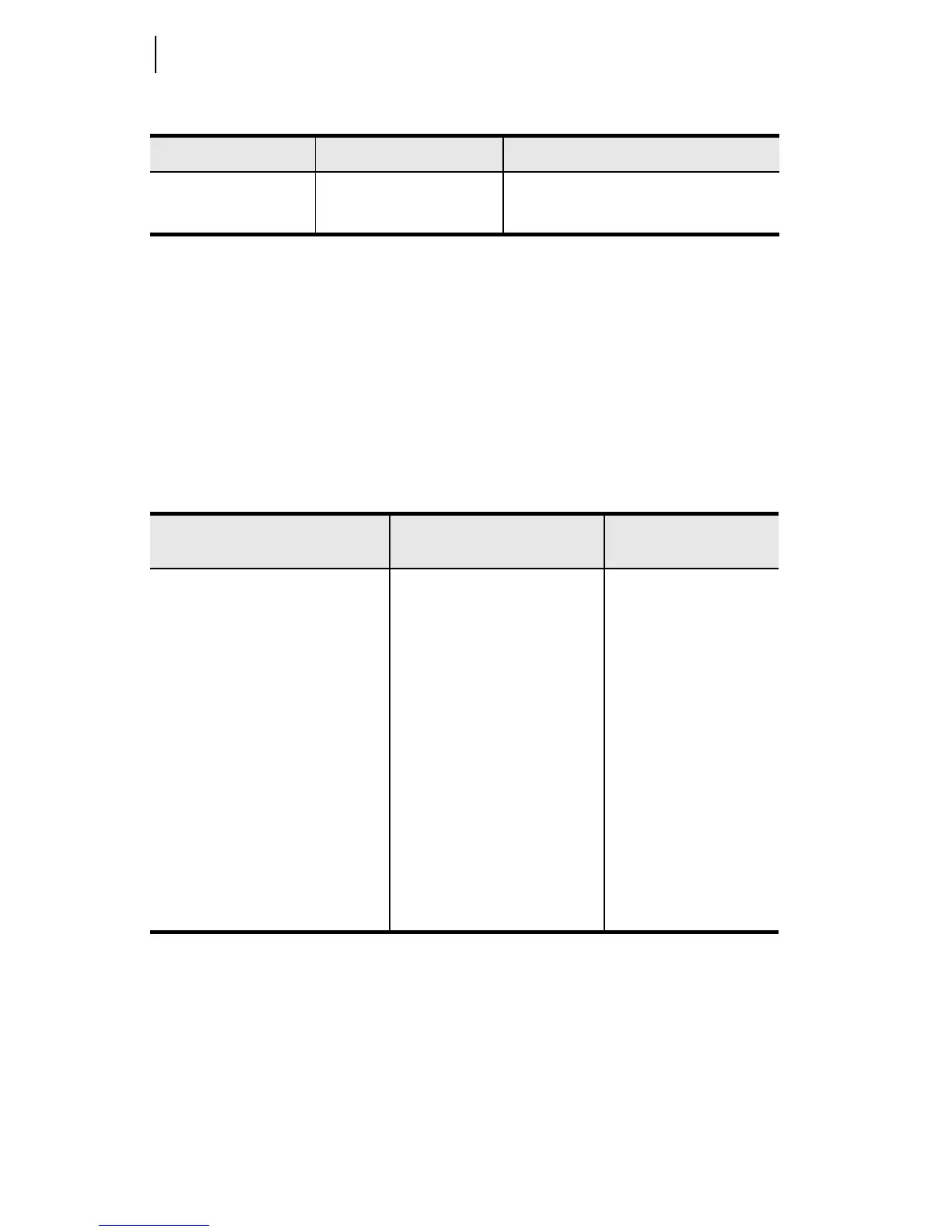
Date Format MDY, YMD, DMY DATE_F := MDY
Port Power ON, OFF 5V_EN := OFF
Table 4.4 Radio Settings
Settings Prompt Settings Range
Setting Name :=
Factory Default
Network Architecture P2P, P2MP NETARCH := P2P
Operation Mode MASTER, REMOTE MODE := REMOTE
Network Identification 1–10 NID := 1
Skip Zones (SEL-30310) 1–16, NONE SKIP := NONE
Skip Zones (SEL-30311 Brazil) 1–3, 9–16, NONE SKIP := NONE
Transmit Power 20–30 dB TXPWR := 30
Radio Synchronization OFF, Send, Receive SYNC := OFF
Encryption Passphrase 8–80 Characters KEY := NONE
Radio Address 0–65534 DEVADDR := 1
Address List of Connected
Radios
Comma Separated Sequence
(ex. 1,2,3 or 1–3,14–16)
RADIOLST := 0
Session Use Time-Out 10–600 seconds SUTIMEO := 30
Table 4.3 Global Settings (Sheet 2 of 2)
Setting Prompt Setting Range Setting Name := Factory Default



 To Next Page