SEL-3031 Instruction Manual Date Code 20181001
Settings and Commands
Settings
4.10
Options—Part Number
Select Edit > Part Number to change the part number if it was entered incorrectly
during an earlier step.
Text Files
Select Tools > Settings > Import or Tools > Settings > Export on the Device Editor
(Editor Mode) menu bar to import or export settings to or from a text file. Use this
feature to create a small file that can be easily stored or sent electronically.
Meter and Control
Human Machine Interface (HMI)
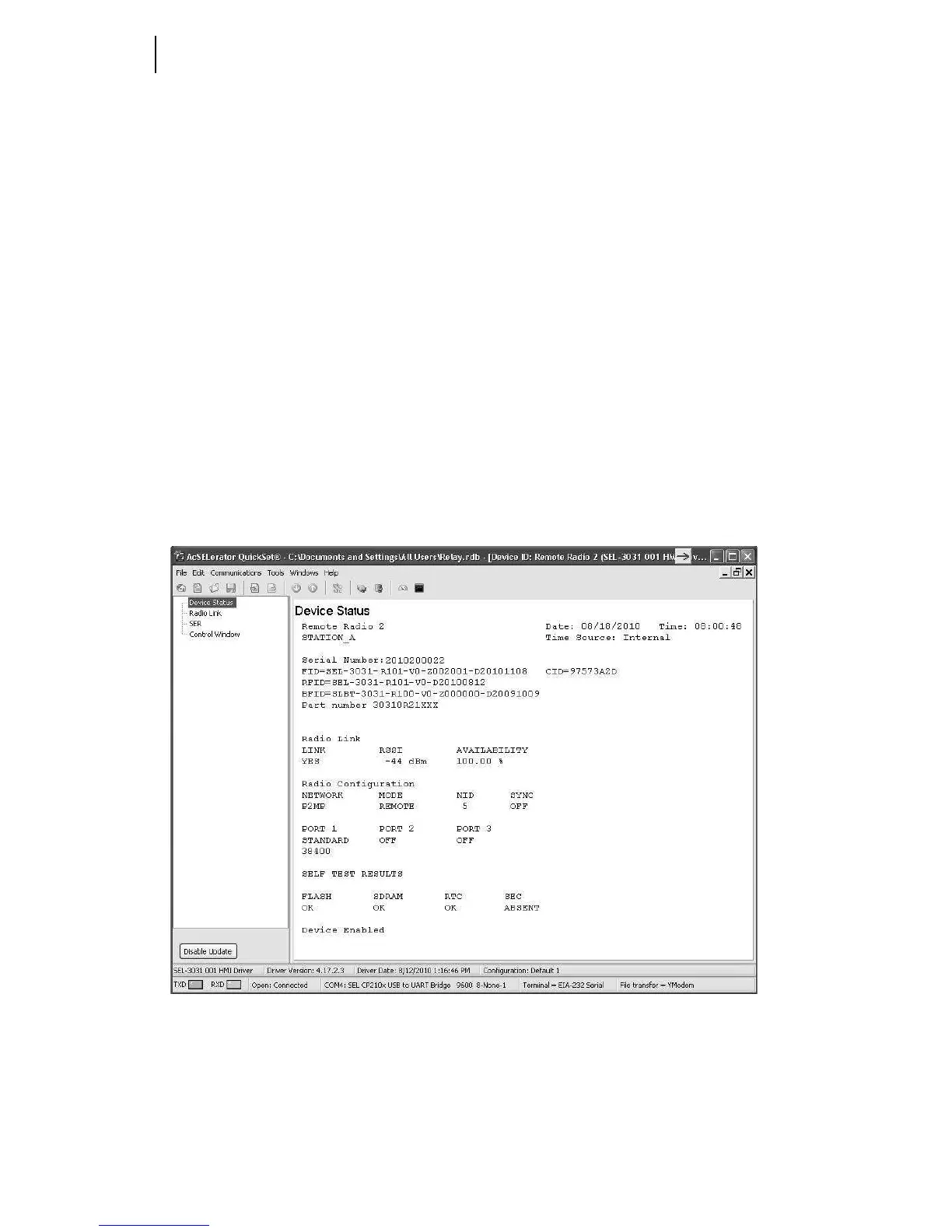
Select Tools > HMI > HMI to bring up the screen shown in Figure 4.8. The HMI tree
view shows the functions that are available from the HMI. The Meter & Control
window is an easily organized view of real-time data and information stored in the
SEL-3031.
Figure 4.8 Status Screen
The Status screen provides a real-time view of the radio to which it is connected. A
user can see the current status of the SEL-3031 and verify any alarm conditions.



 To Next Page