67
5. Open the door. CAUTION! The rack and chamber may be hot if the unit is in standby mode.
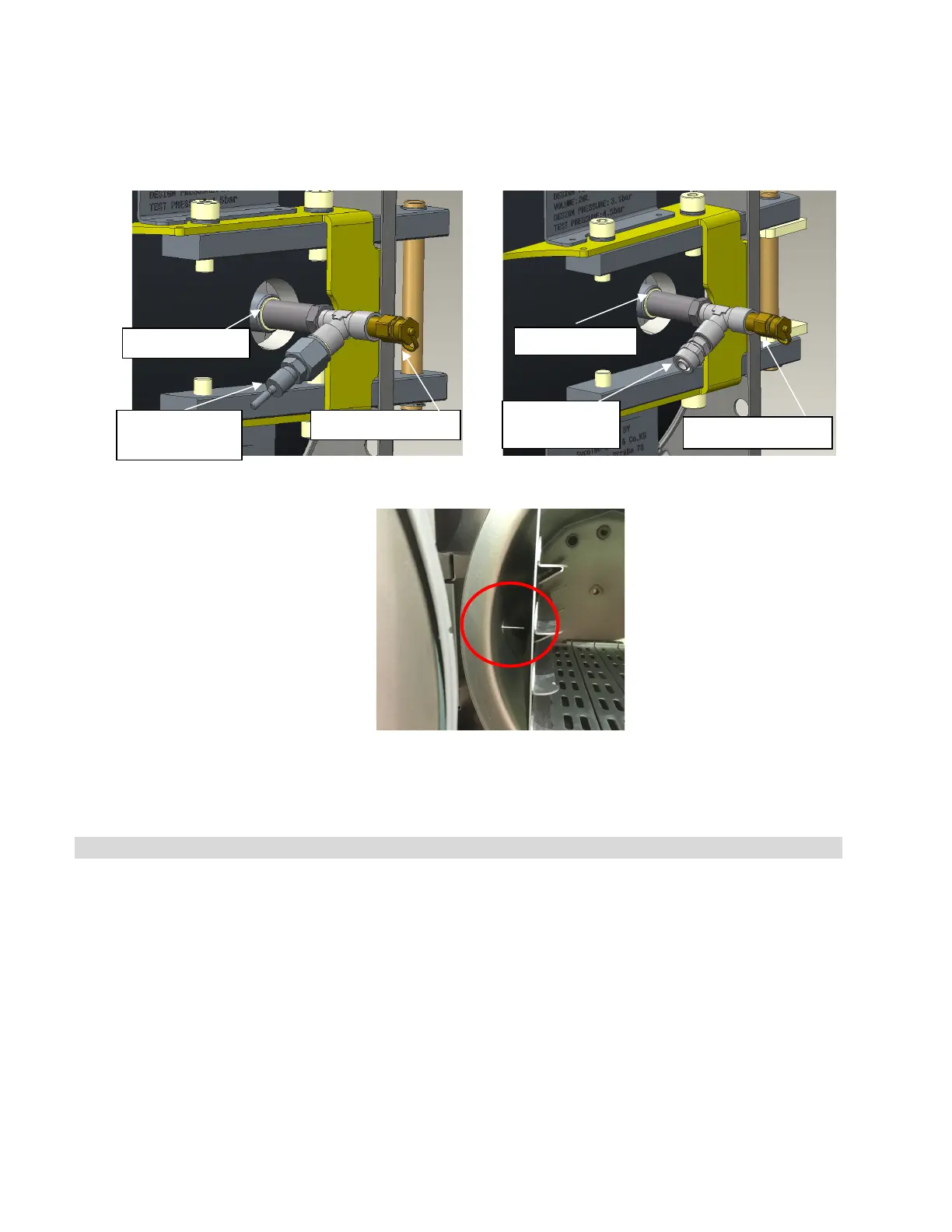
6. Insert the temperature probe through the temperature port (TWINLOK001) on the calibration fitting
making sure the tip of the probe is well inside the chamber and not touching the rack.
7. Switch on both the temperature and pressure reference meters. Ensure the pressure meter is set to kPa
and the temperature meter is in C°.
8. Close the chamber door.
9. Connect one end of the pressure meter tube to your reference meter.
10. Connect the other end of the pressure meter tube to the pressure port on the calibration fitting.
STAGE 2. Starting calibration
11. From the STATCLAVE G4 home screen, access the calibration function by following these steps:
Option 2 (assembly required)
Knurled nut
pressure port
Quick connect
pressure port



 To Next Page