Navigation (NAV)* 115
Operating RADIO, MEDIA (audiovisual
systems)
NAME, TEL NAV, INFO CAR, SETUP
Route includes toll road sections with indication of length of section
Route includes ferry connection(s)
Route includes motorrail section(s)
Route includes season-restricted roads
Route includes time-restricted roads
Estimated distance to destination
Estimated time of arrival at destination
Starting point highlighted (arrow)
Stopover 1 on the map
Stopover 2 on the map
Stopover 3 on the map
Final destination on the map
Orientation
Map scale
Changing/Interrupting route guidance
– Press the button or the button.
–Select Stop route guidance.
– Change the information if necessary.
–Select Start route guidance.
The previously entered data and settings remain unchanged even when you
cancel the route guidance. This means you can change e.g. the route criteria
⇒ page 121 and then re-calculate the route.
If you start a route guidance, but do not complete it, this guidance will be
continued automatically when you start driving again. This also applies to
entered destinations that were not reached due to unexpected circumstances
(e.g. change of plans). To end route guidance, select Stop route guidance
⇒ page 115.
Note
Calculated destinations can also be changed on the map display by moving
the cursor ⇒ page 129.
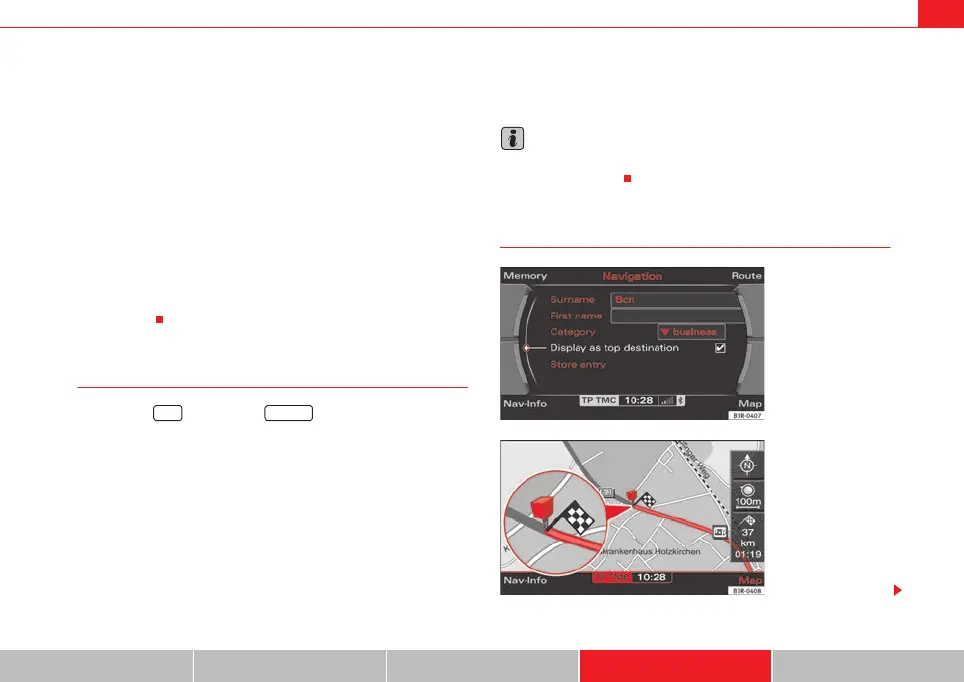
Top destinations
3
A
4
A
5
A
6
7
A
8
A
9
A
10
11
A
12
A
13
A
14
15
A
16
NAV RETURN
Fig. 135 Navigation
system: Set entry as top
destination
Fig. 136 Navigation
system: Map display of a
top destination (push pin)
media_systemE_EN.book Seite 115 Montag, 21. September 2009 1:48 13



 To Next Page