INFO (Traffic information) 145
Operating RADIO, MEDIA (audiovisual
systems)
NAME, TEL NAV, INFO CAR, SETUP
– Select one of the available TMC traffic announcements by
rotating and pressing the control knob ⇒ page 143, fig. 179.
The detail view will be shown.
–Select Show announcement on map ⇒ page 144, fig. 182. The
map will be displayed ⇒ page 144, fig. 183.
When you select Show announcement on map, the system will automatically
jump to the position of the traffic obstruction on the map.
The extent of the traffic obstruction is marked with a red line. The arrow indi-
cates the direction of travel affected by the traffic obstruction ⇒ page 144,
fig. 183. From a certain zoom factor onwards, only the arrow indicating the
direction of travel affected by the traffic obstruction will be displayed.
Note
Whether this information can be displayed depends on the zoom scale you
have selected.
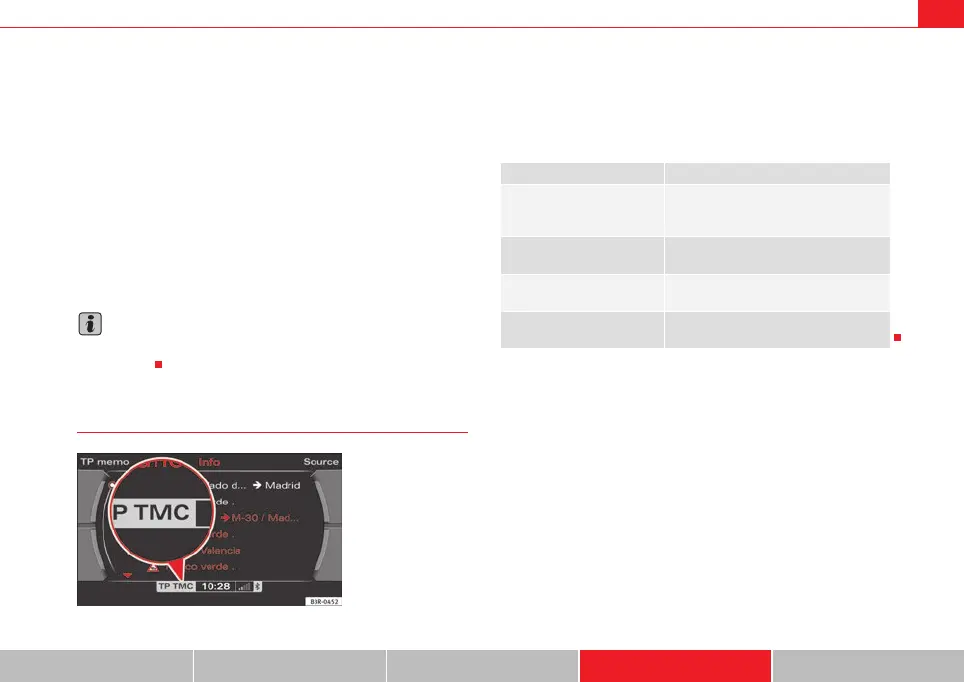
TMC Symbol
TMC stands for “Traffic Message Channel”. The TMC symbol indicates
whether TMC stations are being received and whether the dynamic naviga-
tion function is switched on or off.
TMC symbols in the navigation display:
Fig. 184 Display: TMC
symbol lit
TMC symbols Explanation
TMC symbol shaded
⇒ fig. 184
TMC stations available and the dynamic
navigation is switched on ⇒ page 100 and
⇒ page 121.
TMC symbol not lit TMC stations are available; the dynamic
navigation is switched off.
TMC symbol crossed out
TMC stations are not available; the
dynamic navigation is switched on.
TMC symbol is not displayed TMC stations are not available; the
dynamic navigation is switched off.
media_systemE_EN.book Seite 145 Montag, 21. September 2009 1:48 13



 To Next Page