RADIO44
tion quality. This avoids switching back and forth between different regional
programmes, whenever the reception quality changes. The current regional
programme remains set. This can, however, lead to reception problems.
You can select any other regional programme broadcast by the regional
station you are tuned to from the station list ⇒ page 36.
We recommend you have the “Regional stations” function switched on (on) at
all times.
Regional stations switched off
If the Regional stations function is off, only the strongest regional programme
of a specific broadcasting station will be received. In some cases, the radio
will then switch between stations with differing programme contents.
Station reception
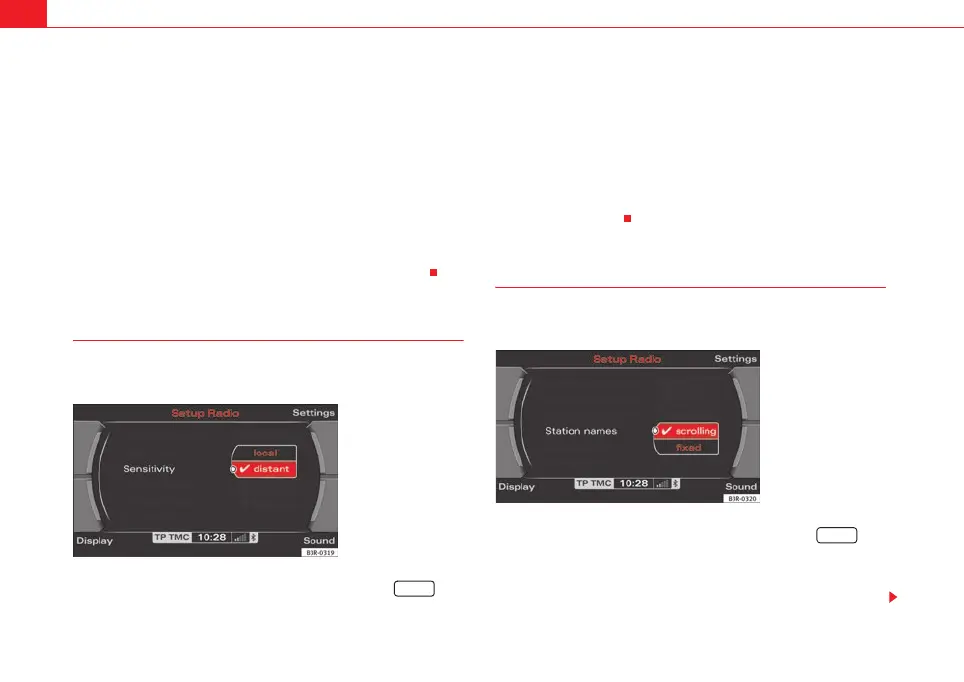
The sensitivity level of the automatic seek function can be
adjusted.
– Starting from any one of the radio menus, press the
⇒ page 9 button.
– Select Sensitivity ⇒ fig. 48.
Station reception: local
The automatic seek function ⇒ page 39 will only stop at stations with a
strong reception signal.
Station reception: distant
The automatic seek function ⇒ page 39 will also stop at stations that have a
weaker reception signal.
Station display
Ticker texts broadcast by certain radio stations can be
stopped.
– Starting from any one of the radio menus, press the
⇒ page 9 button.
– Under the Station names, select fixed ⇒ fig. 49 to stop the ticker
texts broadcast. The current text in the display will then freeze.
Fig. 48 Radio settings
(RADIO SETUP): Station
reception
SETUP
Fig. 49 Radio settings
(RADIO SETUP): Station
display
SETUP
media_systemE_EN.book Seite 44 Montag, 21. September 2009 1:48 13



 To Next Page