RADIO 47
Operating RADIO, MEDIA (audiovisual
systems)
NAME, TEL NAV, INFO CAR, SETUP
Deleting stored stations
Deleting individual stations
– Starting from any one of the radio menus, press the
⇒ page 9 button.
–Select Delete stored stations ⇒ page 46, fig. 51.
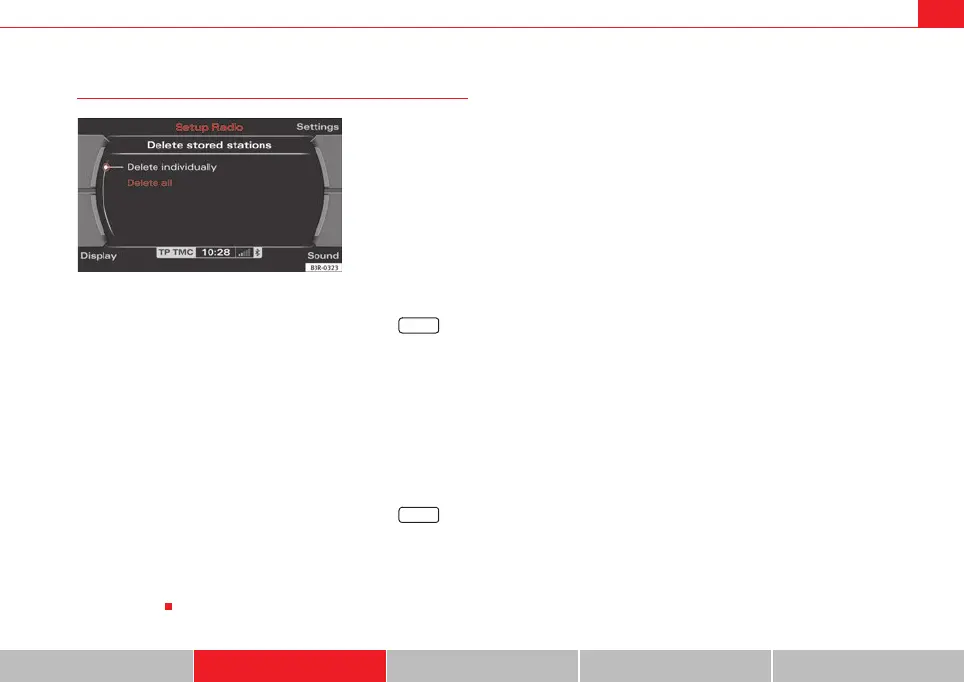
–Select Delete individually ⇒ fig. 52. The station list will then
appear in the display.
– Rotate and press the control knob to delete individual stations
from the memory list.
Deleting all stations
– Starting from any one of the radio menus, press the
⇒ page 9 button.
–Select Delete stored stations ⇒ page 46, fig. 51.
–Select Delete all ⇒ fig. 52. All entries in the memory list will then
be deleted.
Fig. 52 Radio Setup:
Deleting stored stations
SETUP
SETUP
media_systemE_EN.book Seite 47 Montag, 21. September 2009 1:48 13



 To Next Page