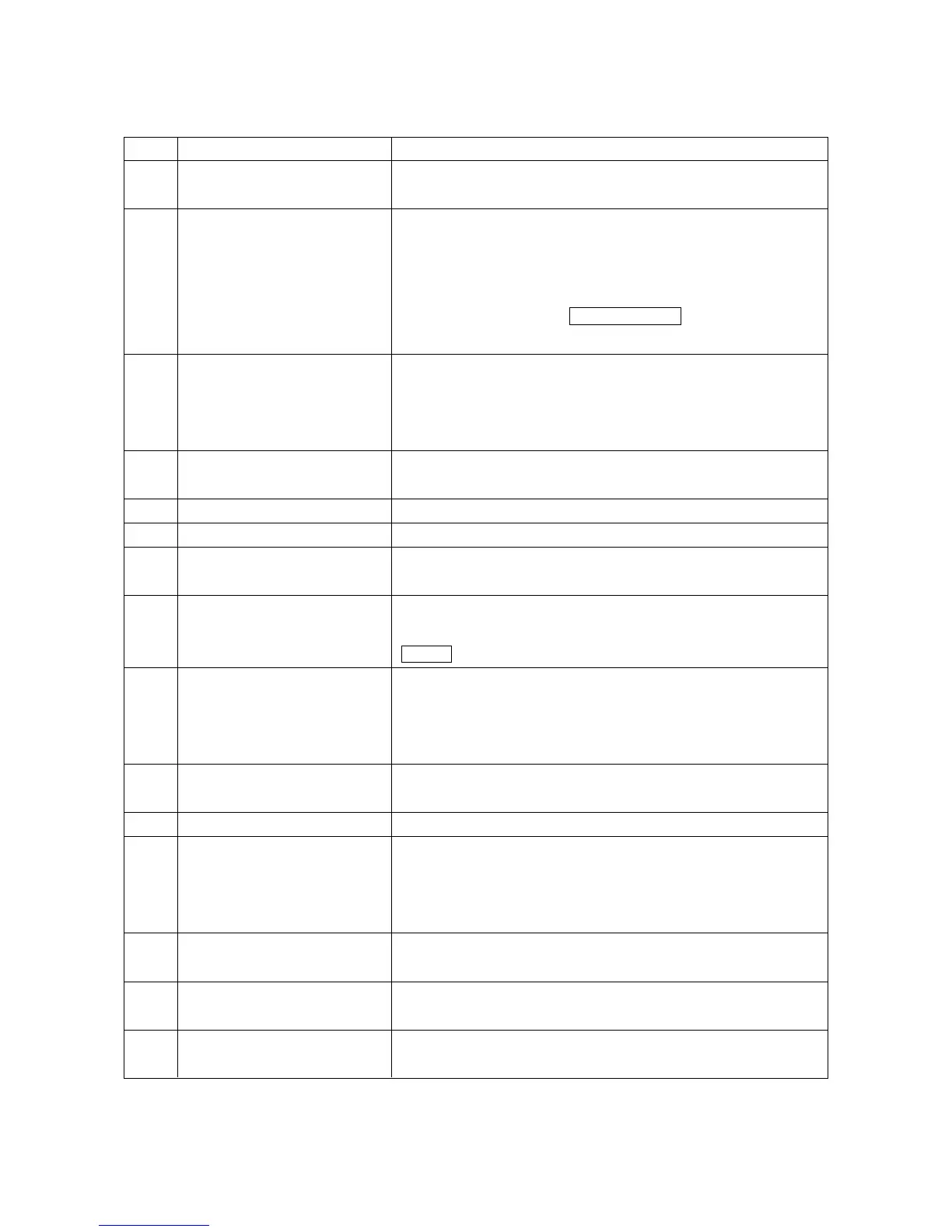
1 - 17
No.
[1]
[2]
[3]
[4]
[5]
[6]
[7]
[8]
[9]
[10]
[11]
[12]
[13]
[14]
[15]
Name
RESET key
Function keys
OPER/MAINTE
RETURN key
AUX. Key
HELP key
Address and Numerical
keys
SHIFT key
INPUT key
CANCEL key
ORIGIN key
DELET ALTER and INSRT
keys
Cursor move key
Page key
OPER. GUIDE
Description
Press this key when resetting the CNC unit in order to reset
an alarm so on.
When the function menu is displayed at the bottom of the
CRT, there are the keys to select the menu. When the
menu is not displayed, they serves as the keys to select the
Position, Program, Tool, Work Coordinate, Setting, Plot and
I/O screens. Press the F9/SEL/FUNC key when displayed
the function menu at the bottom of the CRT.
Press this key when displaying the PC, Alarm or
Maintenance screen. Pressing it once displays the function
menu at the bottom of the CRT, and pressing it again
erases the menu.
Press this key when you want to return to the Overall
screen.
Used to input the alphabet, numbers, etc.
There are some address keys which have 2 characters
marked on them. If you press the address key after the
SHIFT key, upper left character is input.
If the address or numerical key is pressed, it is input into
the key input buffer once, and then, displayed on the CRT.
Press the INPUT key when actually setting the data input
into the key input buffer.
Press this key when deleting the characters or symbols
input into the key input buffer.
This key is used to clear the Plot screen.
Used to perform deletion, alteration and insertion in editing
the program.
The alter key is also used for restoring F menu screen after
having selected an item on the F menu.
There are 4 keys which are used to move the cursor up/
down and right/left.
There are 2 keys which are used to page in the forward and
backward directions.
NC Operation Keys



 To Next Page