1 - 62
Caution
12. Setting (Data)
12-1 Outline
Various setting data required to operate the machine can be set.
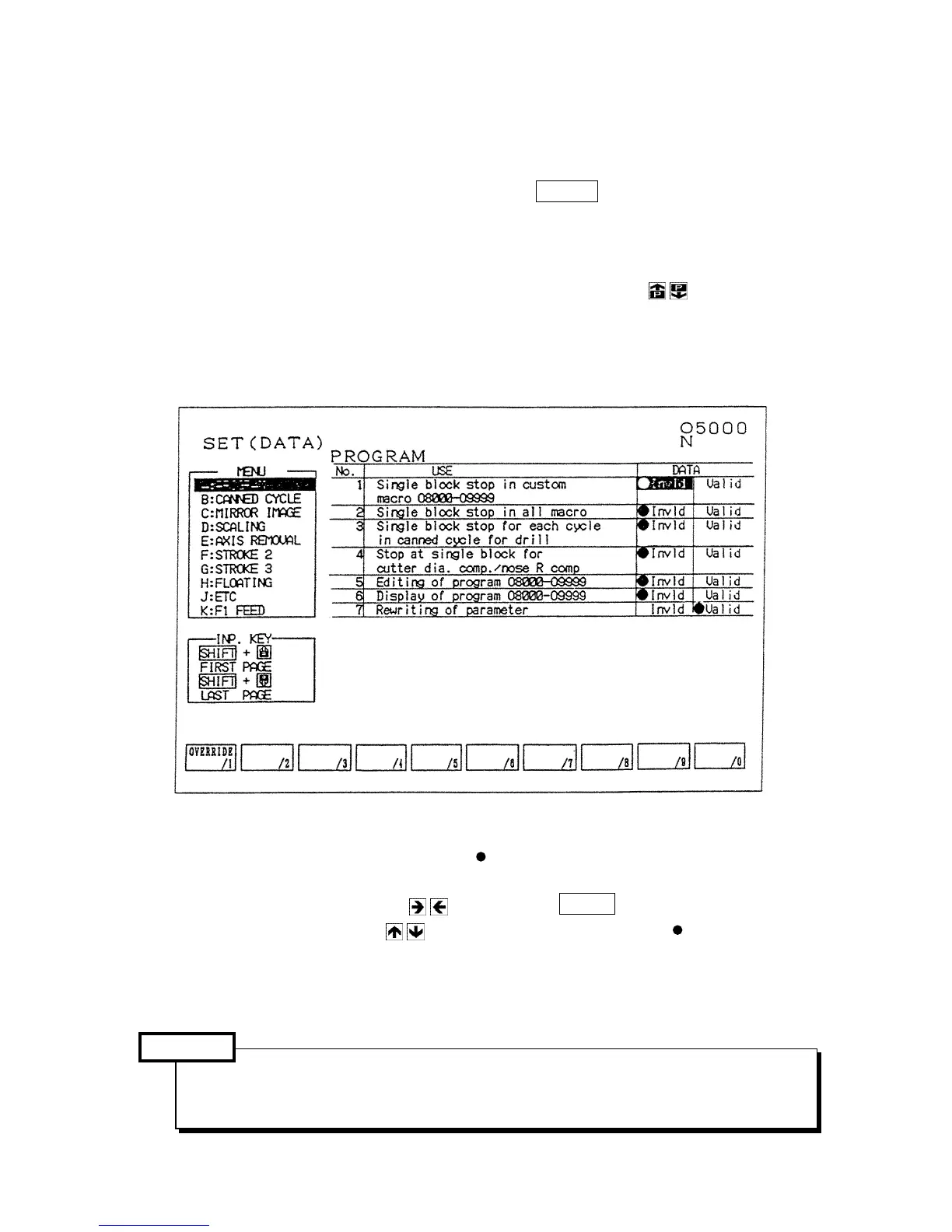
The setting (Data) screen is displayed by pressing the F5/SET key.
In this screen, parameters frequently used are classified together by item or purpose for easy
setting.
An option is not displayed if it is not provided.
Since it consist of several pages, change it by pressing the page key
or alphabetical key
corresponding a menu at the left side of the screen.
The number search also available.
Setting (Data)
(1) Display and setting
In case of a selection such as “Do/Don’t”,
marks are on at the side of setting has done if
you want.
Set the cursor by the cursor key and press the INPUT key.
Further, when the cursor key is pressed, it moves at the side of mark. The
HITACHI SEIKI’s standard is the left side.
Numeral data is set through the key input area. Needless to say, calculation and absolute/
increment value input are also available.
Input limit for writing key etc. is not applied on the setting screen is different from the
parameter screen, change it with fully attention by an operator himself.



 To Next Page