1 - 75
16-3 Operation for Setting of Work Setter Reference Surface
(1) Execute reference point return of 3 standard axes manually. Attach the touch probe to the
spindle.
(2) In the manual mode, have the work setter reference surface screen ON.
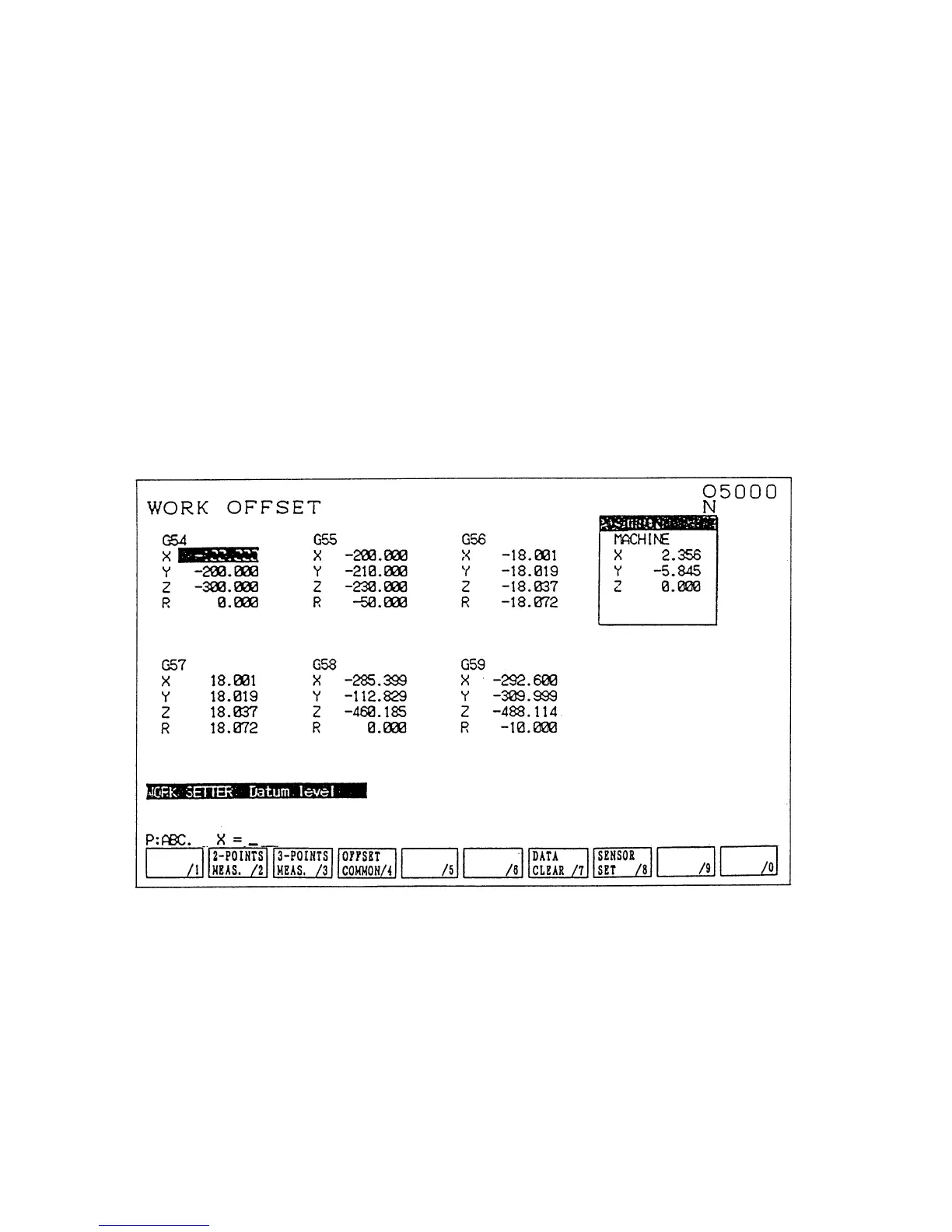
→ Work coordinate (compensation) screen (Fig. 1.8) is selected automatically.
(3) Select the work coordinate desired to be set by operating the page key and cursor keys.
(4) Have the touch probe come into contact with the reference surface by the manual feed
operation.
(5) The system automatically judges the axis of which the touch sensor signal comes on,
calculates the work origin offset amount and the data is automatically written in.
(6) When the setting of all the necessary offset amounts for the work origin is completed, let
the work setter reference surface screen OFF.
(Note 1) The touch probe data used for calculating offset amount is to be set with
parameter (No.6252~6255) in advance.
Fig.1.8 Screen Display on Work Coordinate



 To Next Page