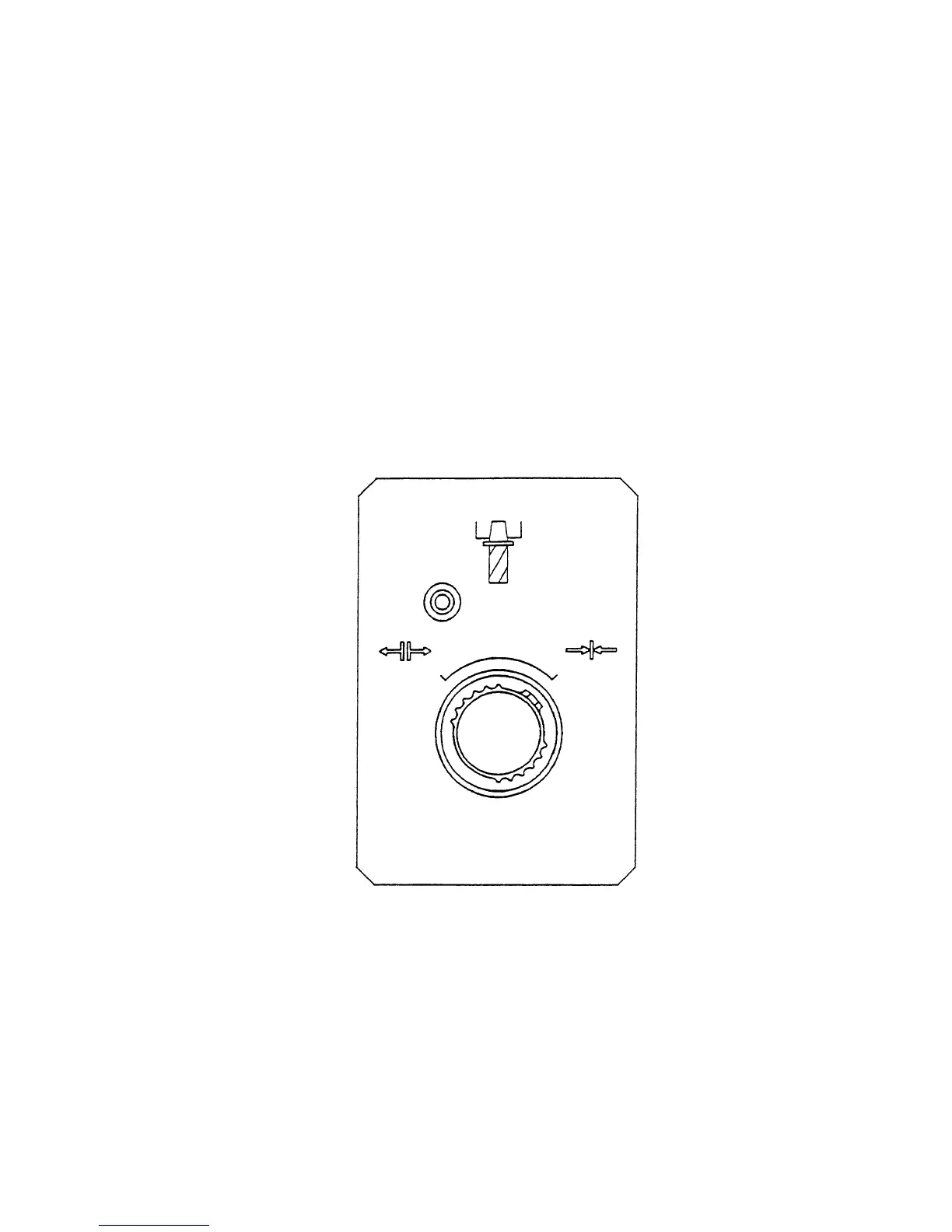
1 - 23
4-3 Mounting and Dismounting the Tool
(1) Stop the spindle head at an arbitrary position.
(2) Select one of manual operation modes; JOG, RAPID, HANDLE or ZERO RETURN.
(3) Holding a tool firmly, shift to UNCLAMP the TOOL CLAMP/UNCLAMP selector push button
switch, which is located on the front of the spindle head, and press it.
When the tool has been mounted, if the push button switch is released, the tip of the
drawbar will push the pull-stud bolt, thus removing the tool from a spindle taper hole (hold
the tool firmly lest it should drop). While the tool is unclamped, the yellow lamp located on
the upper left part lights up.
(4) When mounting the tool, eliminate dust completely from the taper section of the tool shank.
Clean the spindle taper hole properly with an accessory cleaner.
(5) Insert the tool shank into the spindle hole, and shift the TOOL CLAMP/UNCLAMP selector
push button switch to CLAMP and press it. The tool is automatically mounted to the
spindle and the yellow lamp lights off.



 To Next Page