1 - 60
11-8 Condition Check During ATC Execution
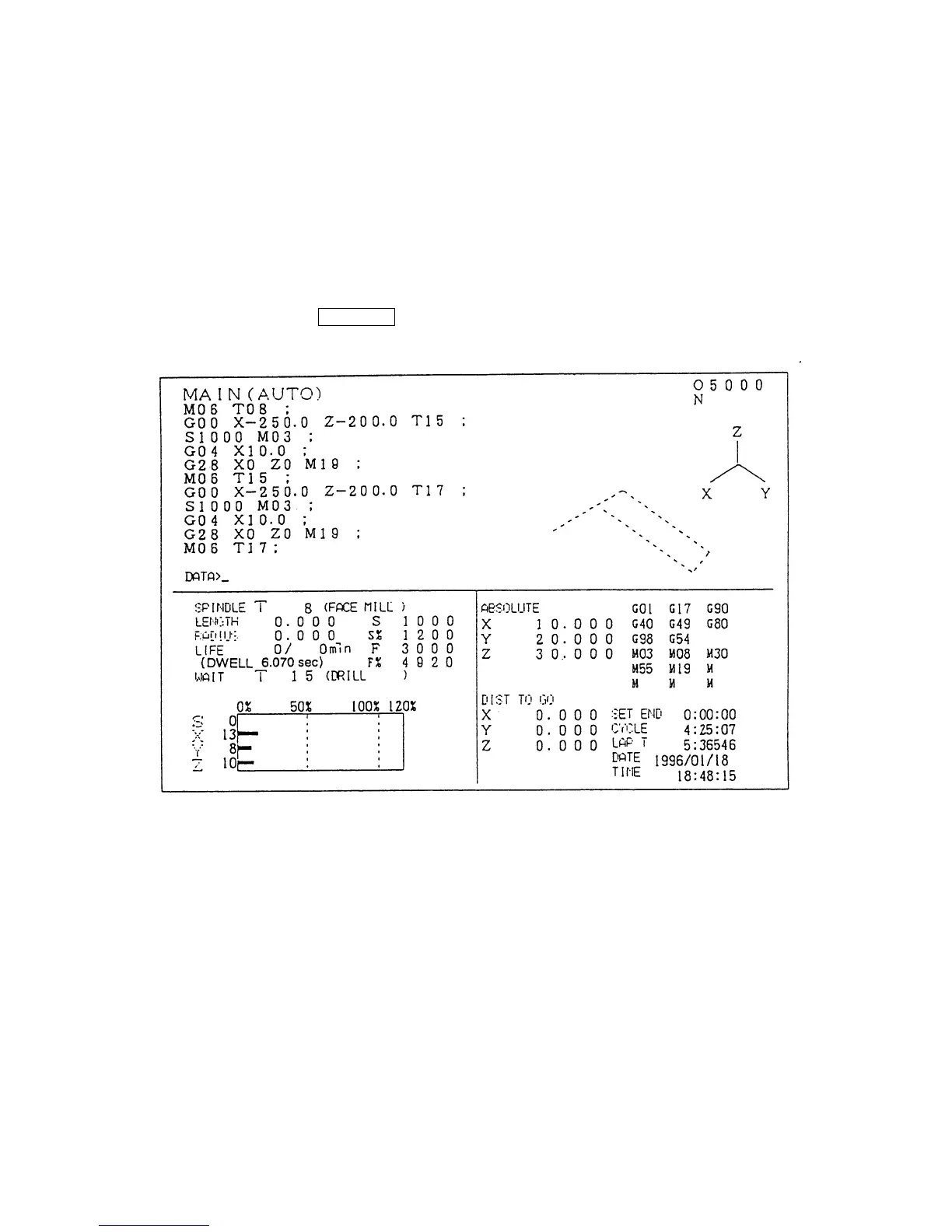
1) • Tool No. on the spindle
• Tool No. at the ATC arm standby position are displayed on the general screen.
2) • Tool No. commanded in a program is displayed on the commanded value screen.
How to display each screen is as follows:
1) How to display the general screen
When pressing the RETURN key, the general screen appears.



 To Next Page