1 - 29
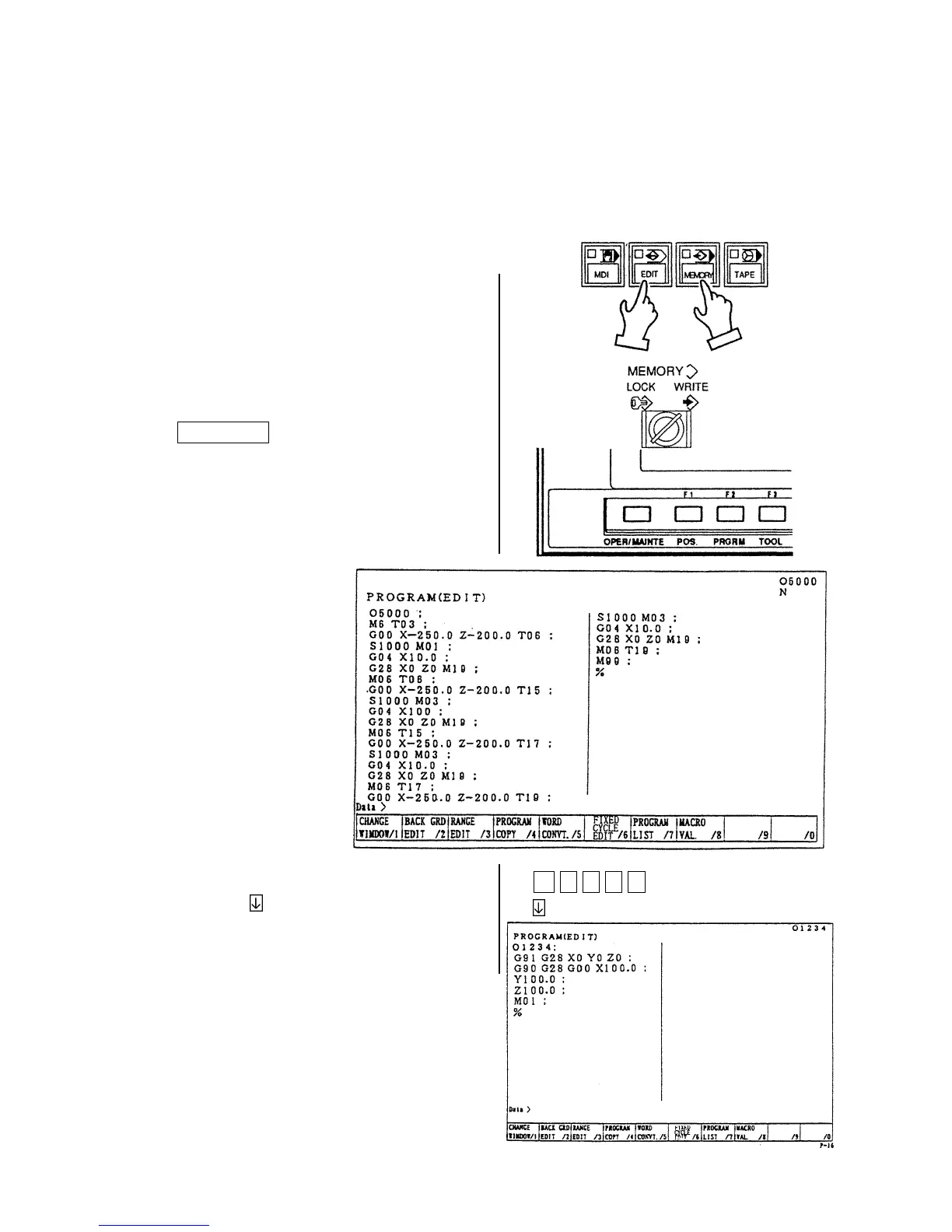
7. Program No. Search
There are following two methods to search a program.
1. Search by key in a program No.
2. Search to utilize the program list.
7-1 Search by Key in a Program No.
1) Set a mode to the [MEMORY] or [EDIT].
2) Set the memory key to [WRITE].
3) Press the function key
F2/PRGRM .
4) Key in the program No. to be searched and
press the
key.
Example: O 1 2 3 4
Calling up program is displayed.
O 1 2 3 4



 To Next Page