1 - 70
15. Parameter Setting
The parameter setting is executed by the following
procedure.
1) Set the mode to the [MDI].
2) Set the memory key to the [Write].
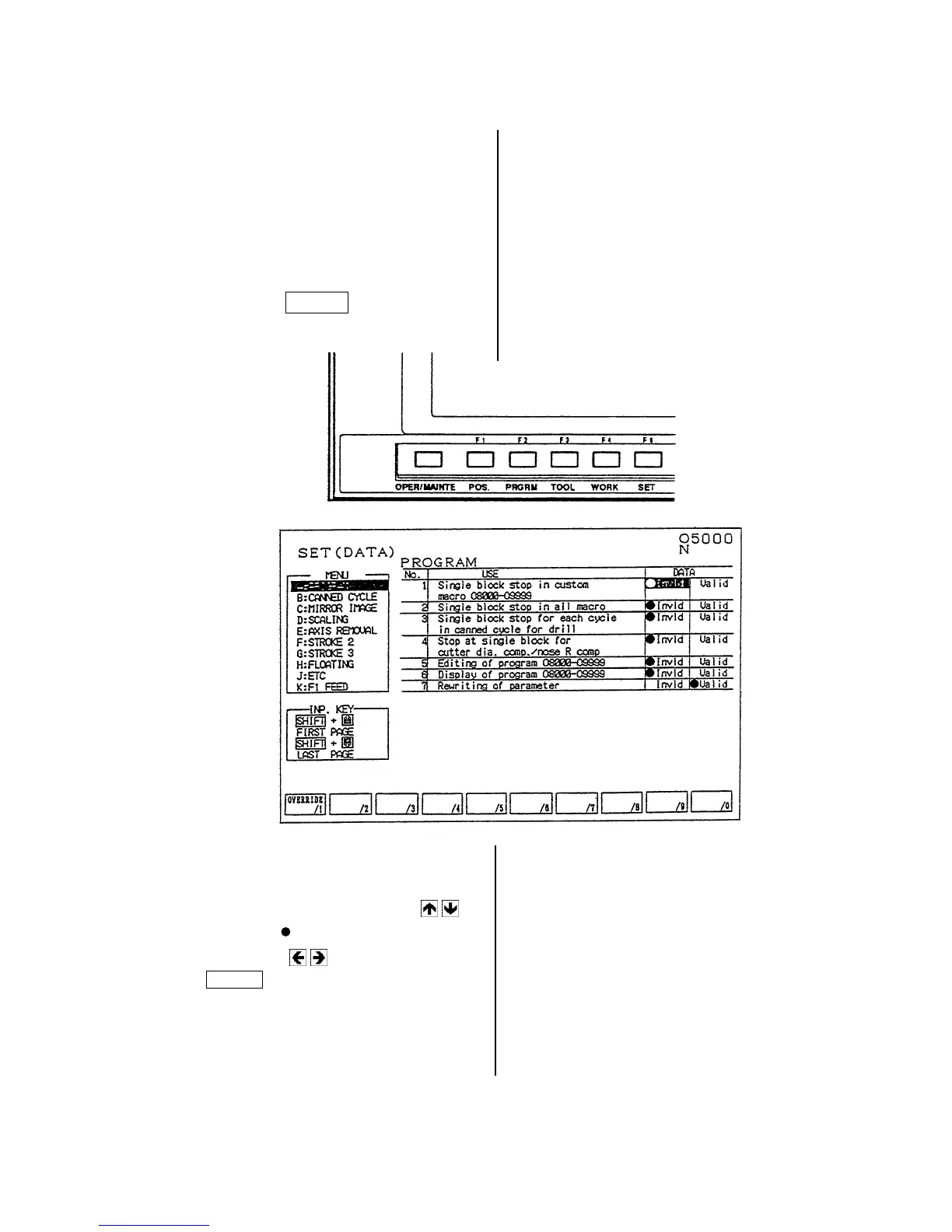
3) Make effective the “Parameter rewriting” of
the setting (data).
[1]
Press the F5/SET key.
[2] Set the cursor to “7. Rewriting of
parameter” by the cursor key
.
[3] Move the mark to the “Valid” by the
cursor key
and press the
INPUT key.
The parameter writing is ready.



 To Next Page