1 - 33
When searching a section above the
current position of cursor, press the
key
[2] Block search
Check a word in a block and search a
block which contains a relevant word
only.
Key in all address and numerals of one
block then press EOB and key.
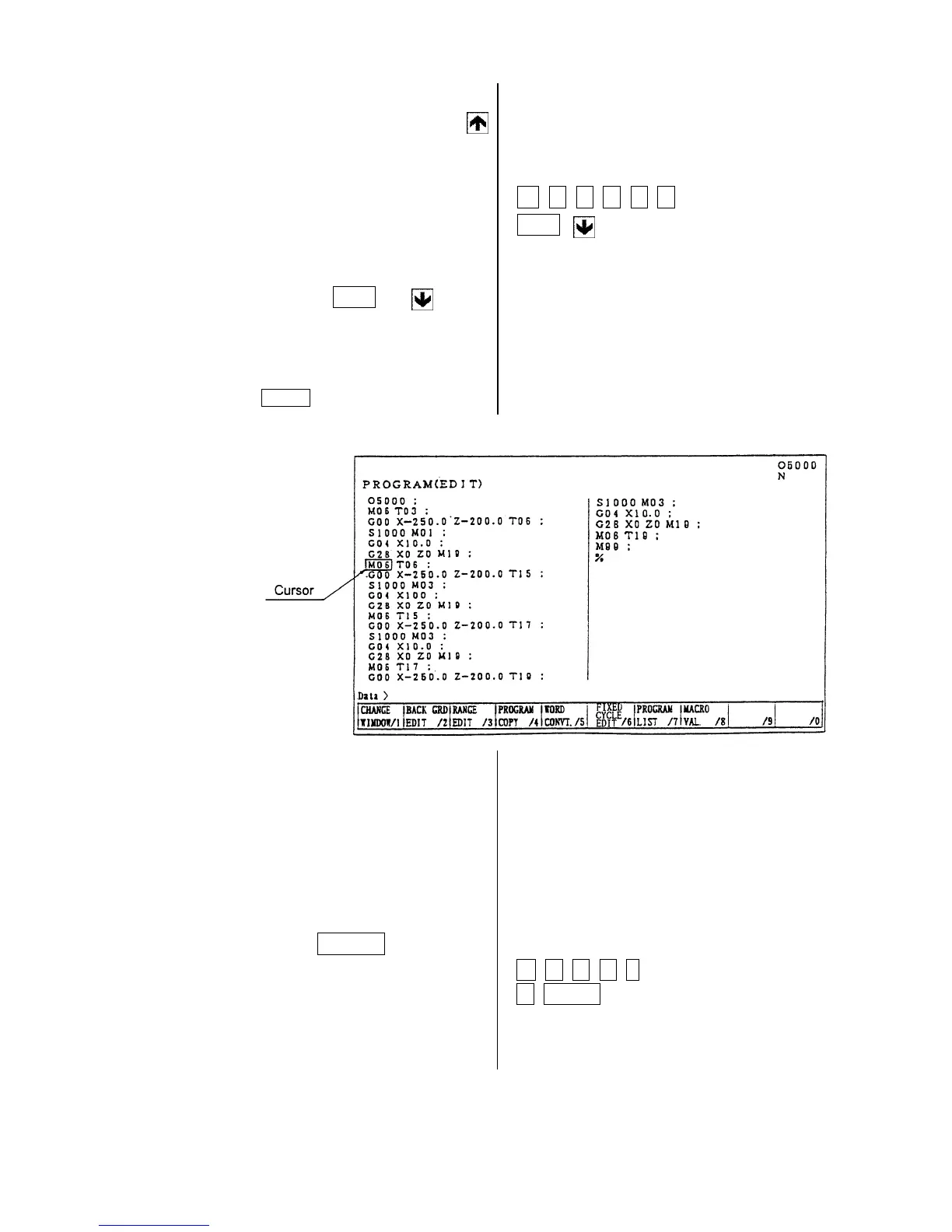
Example: When searching a block of
M06 T06;
Note)
The EOB should be inputted at the
end of a block.
8-3 Edition of Program
(1) Insertion of word, block
New word is inserted just after the word
currently located the cursor.
[1] Designate a word immediately
before a section to be inserted.
[2] Key in a new data to be inserted
then press the INSERT key.
Example: when inserting Y 100.0 after
X-250.0
M 0 6 T 0 6
EOB
Y 1 0 0 .
0 INSRT



 To Next Page