1 - 30
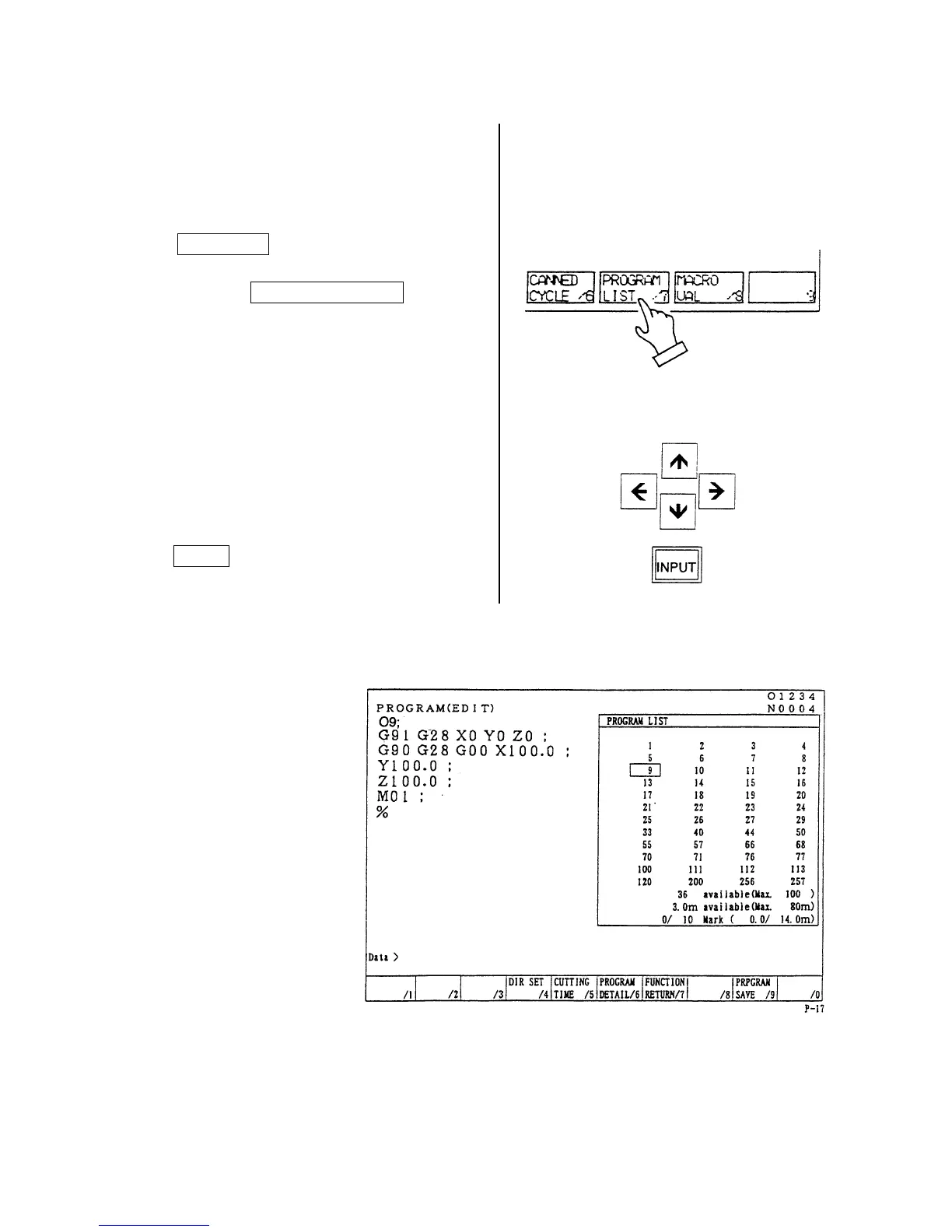
7-2 Search to Utilize the Program List.
1) Set a mode to the [MEMORY] or [EDIT].
2) Set the memory key to [WRITE].
3) Press the function key
F2/PRGRM .
4) Press the F7/PROGRAM LIST key.
5) Set the cursor to the program No. to be
searched by the cursor key and press the
INPUT key.
Calling up program is displayed.



 To Next Page