1 - 31
8. Edition of Program
The keys to edit a program are as follows;
INSERT : Insert a content of key input after the cursor.
ALTER : Alter a content of key input at a section of the cursor.
DELETE : Delete a section of the cursor.
Use it deletion of program as well.
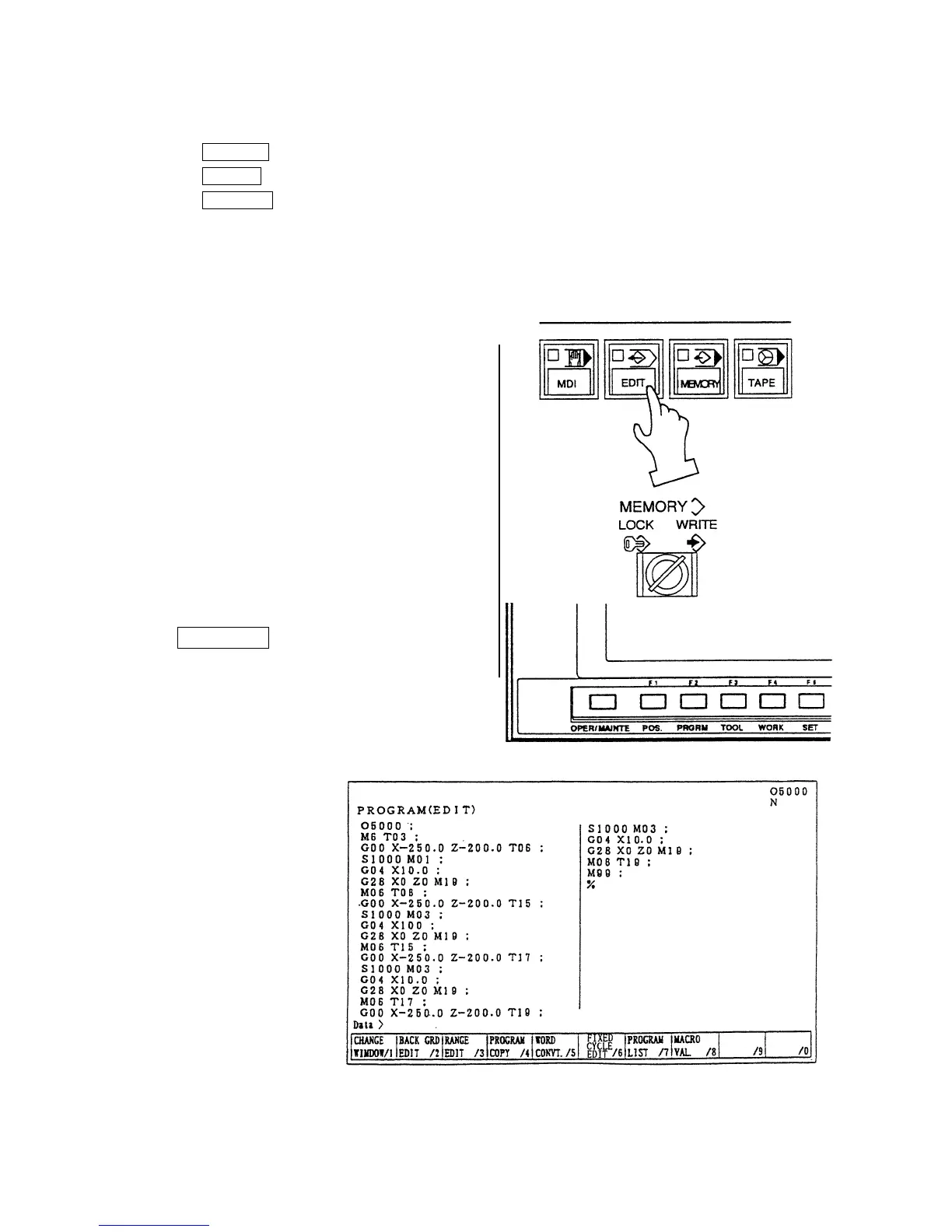
8-1 Preparation in Advance at the Time of the Edition of Program.
To edit a program, the following conditions should
be made.
1) Set a mode [EDIT].
2) Set the memory key to [WRITE].
3) Press the function key
F2/PRGRM .



 To Next Page