1 - 32
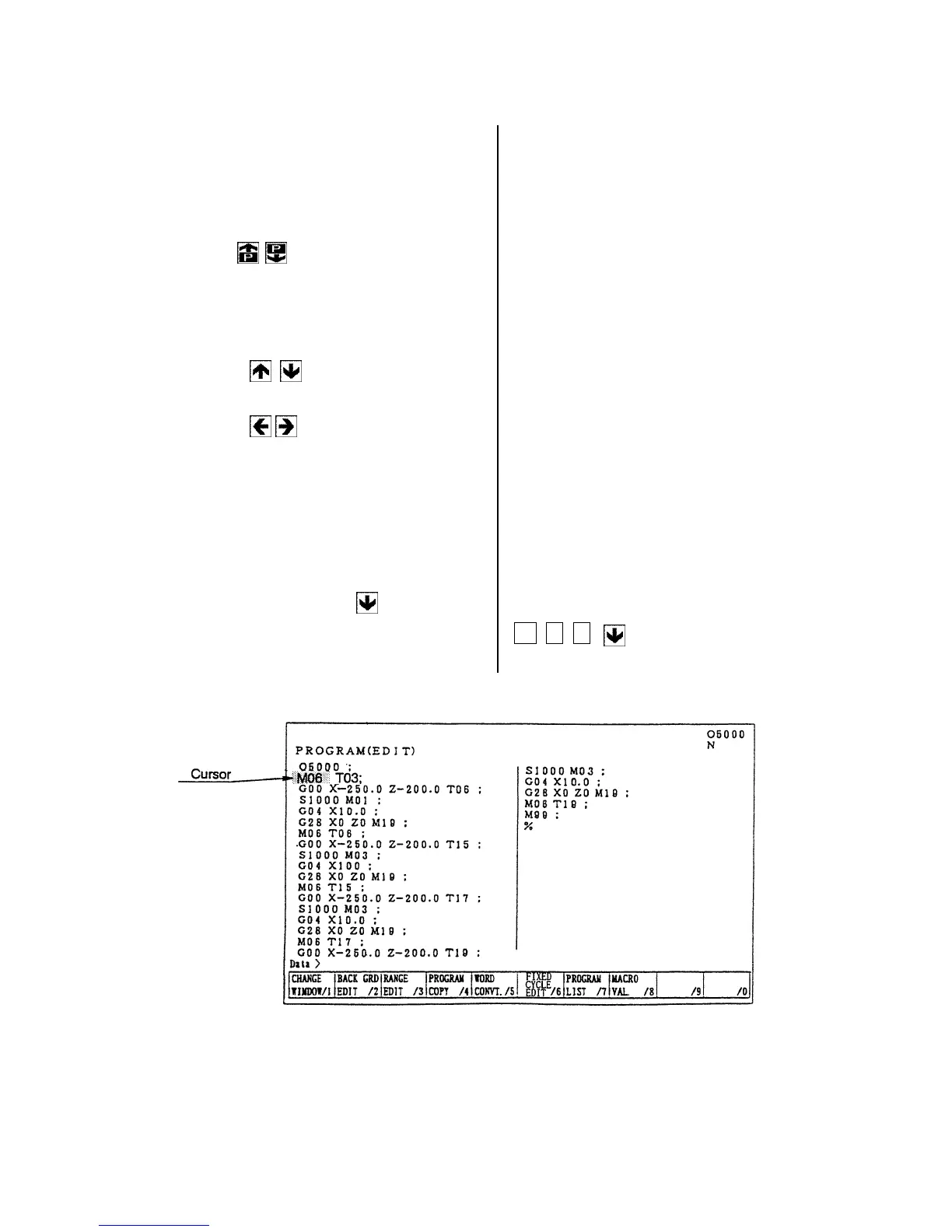
8-2 Search of Word
A word can be searched by the following method.
1) A method by means of the page and cursor
keys.
[1] Press the page key and display the
page to be edited.
[2] Press the cursor key and move the
cursor to the word to be edited.
• The cursor moves at a block unit by
the
keys.
• The cursor moves at a word unit by
the
keys.
2) A method by means of word or address
search.
Since a message is displayed as “Not found”
if it is not found, try it again.
[1] Word search, No. search
Key in the address and numerals to be
searched and press
key.
Example: M06
M 0 6



 To Next Page