1 - 41
6) End of back ground editing
[1]
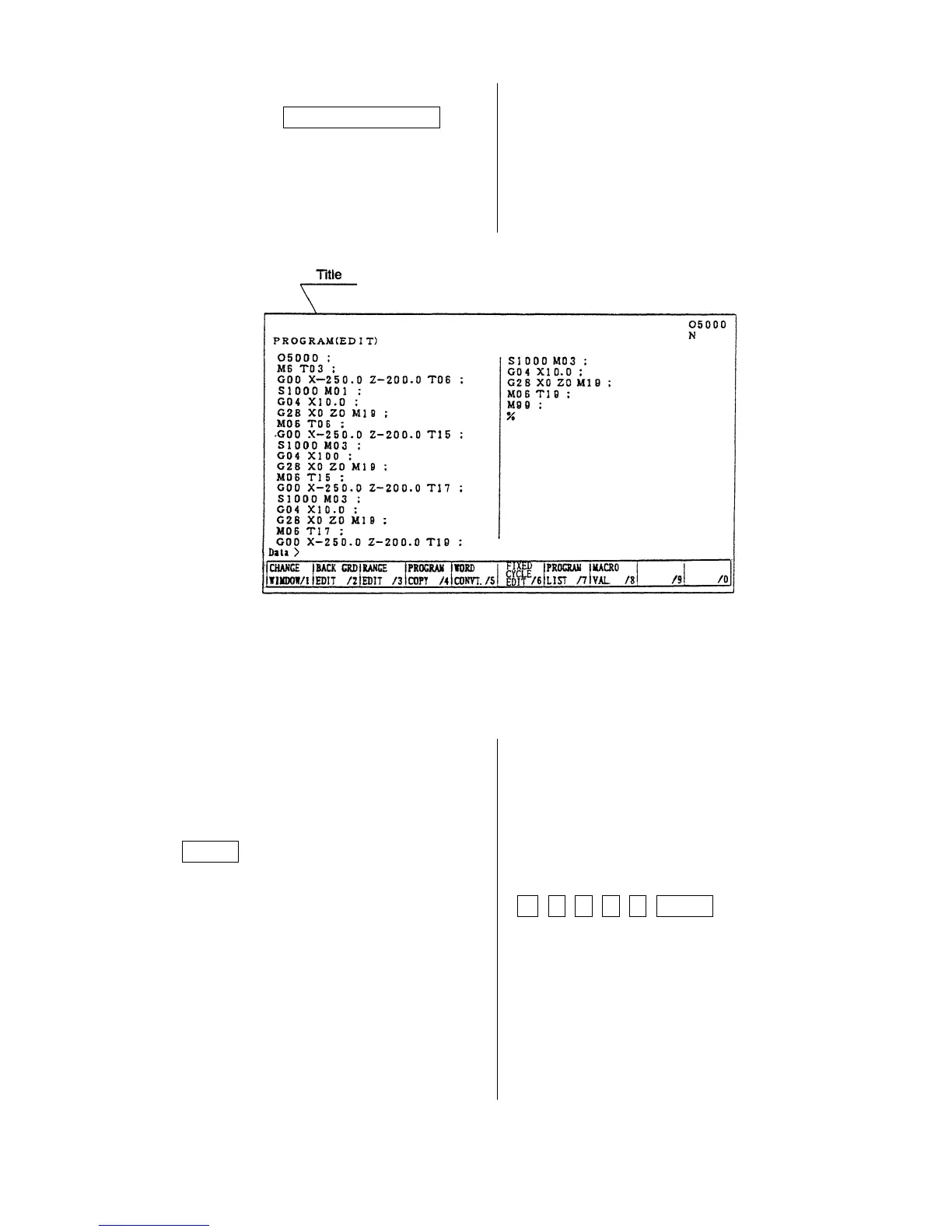
Press the F2/BACK GRD EDIT key.
A title of screen becomes a “Program”.
It becomes normal editing screen.
8-5 Copy of Program
A program being displayed can be copied on the
other number and displayed.
1) Display a program wanted to be copied.
2) Key in a new program No. and press
INPUT key.
Example: When altering to O2001
O 2 0 0 1 INPUT



 To Next Page