1 - 45
8-8 Deletion of Program
There are following two methods to delete a program.
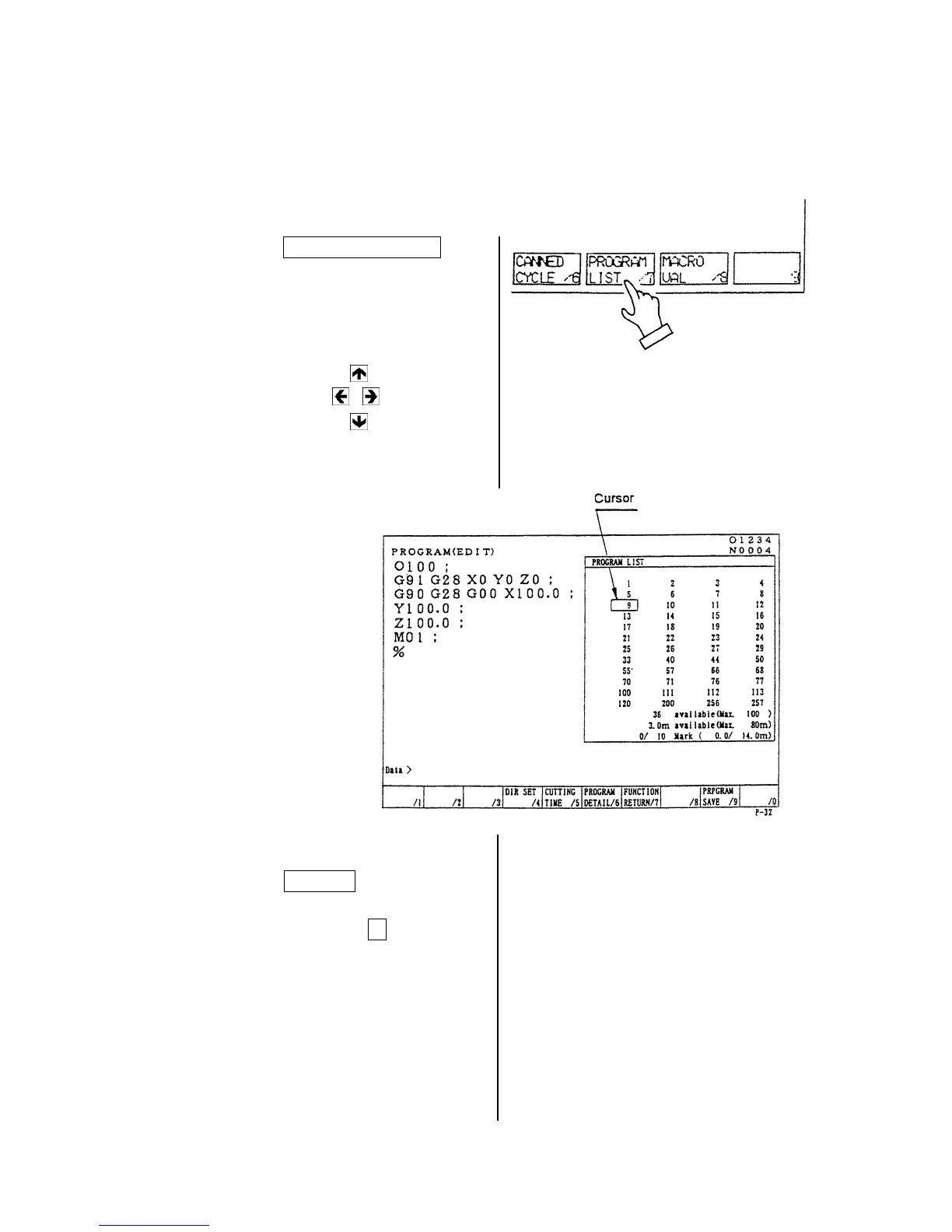
1. Delete it by the program list screen.
2. Delete it by key input at the program screen.
1) Deleting method by the program list screen.
[1]
Press the F7/ PROGRAM LIST key at
the program screen.
[2] Set the cursor at the program to
be deleted by the program list.
Press the cursor key.
[3] Press the DELETE key.
[4] Against a message “Is it all right
to delete?”, press the Y key if
you agree.
A program which is designated
by the cursor is deleted.



 To Next Page