1 - 1
Note : When you operated a function which the specifications do not allow, the lamp of that push
button switch blinks, and the alarm lamp [8] and call light are turned on. Also, “NO
OPTION” is displayed on the CRT.
[1]
[2]
These are used for selecting
operation modes: “MDI”, “PROGRAM
EDITING”, “MEMORY AUTOMATIC
OPERATION” and “TAPE
AUTOMATIC OPERATION”.
CANCEL Z... A machine lock
condition is applied to the Z axis only.
It is convenient if used for a program
test run.
MACHINE LOCK... Only a display
proceeds omitting axial moves of the
machine.
This function enables checking of
program coordinate values without
moving the axes.
DRY RUN... A manual jog feed rate
become valid instead of a feed rate
specified by the program
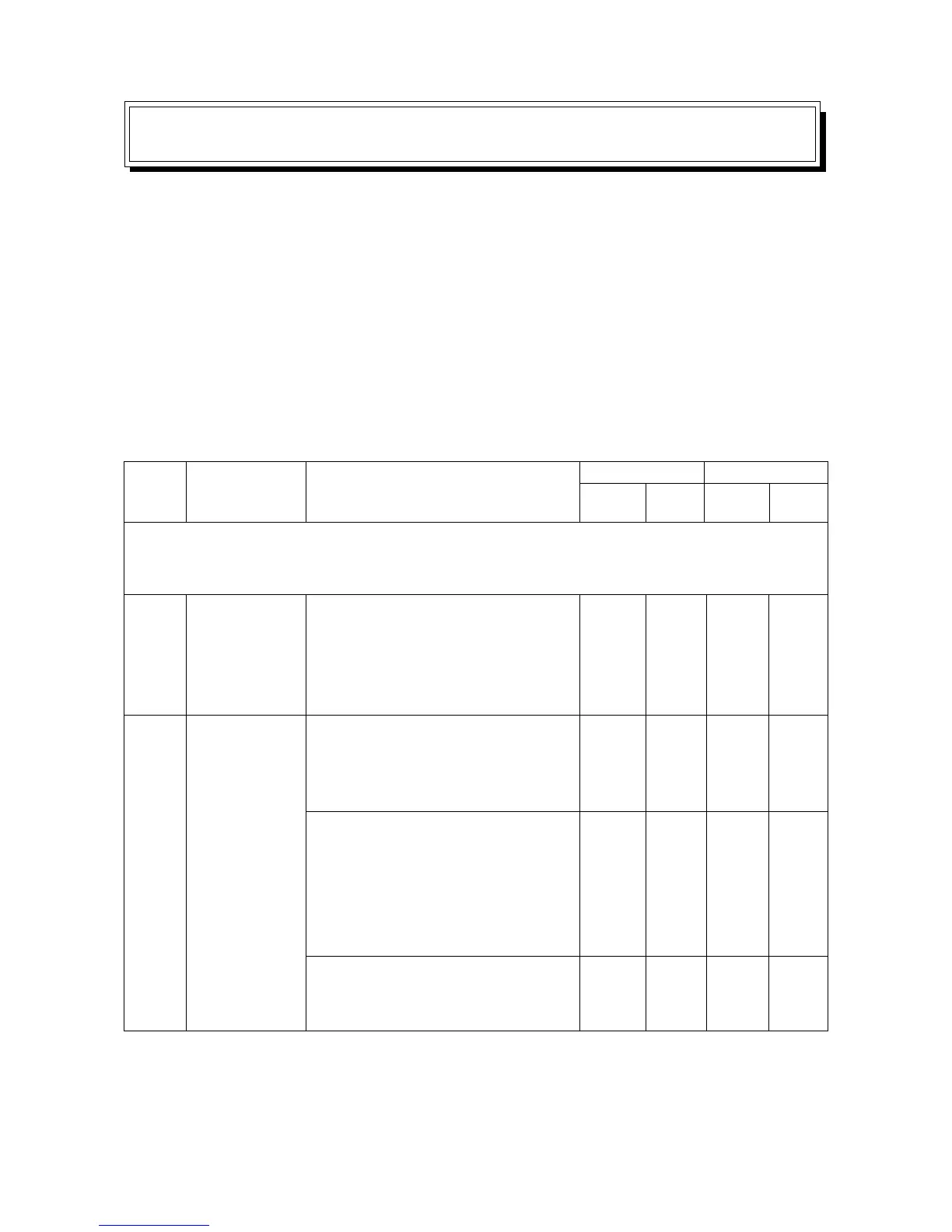
Operation method
Push
button
Lamp
Effective mode
Auto. Manual
Mode selector
switches
Function
selector
switches (Push
a necessary
function switch
with the
SELECT”
switch
pressed.)
UseName
Group
No.
OPERATION OF MACHINE
1. Daily Maintenance and Inspection
To prevent trouble with the machine and keep it always in a good operating condition, daily check
is as important as the periodic maintenance and inspection. As for the daily maintenance, refer to
Chapter 2 “Daily Inspection Item List” of the “Maintenance Manual” and carry out necessary
inspections accordingly.
2. Outline of Main Operation Panel and NC Operation Panel
2-1 Operation by Using the Main Operation Panel and Sub-operation Panel
O
O
O
O
O
O
O
O
O
O
O
O
O
O



 To Next Page