1 - 69
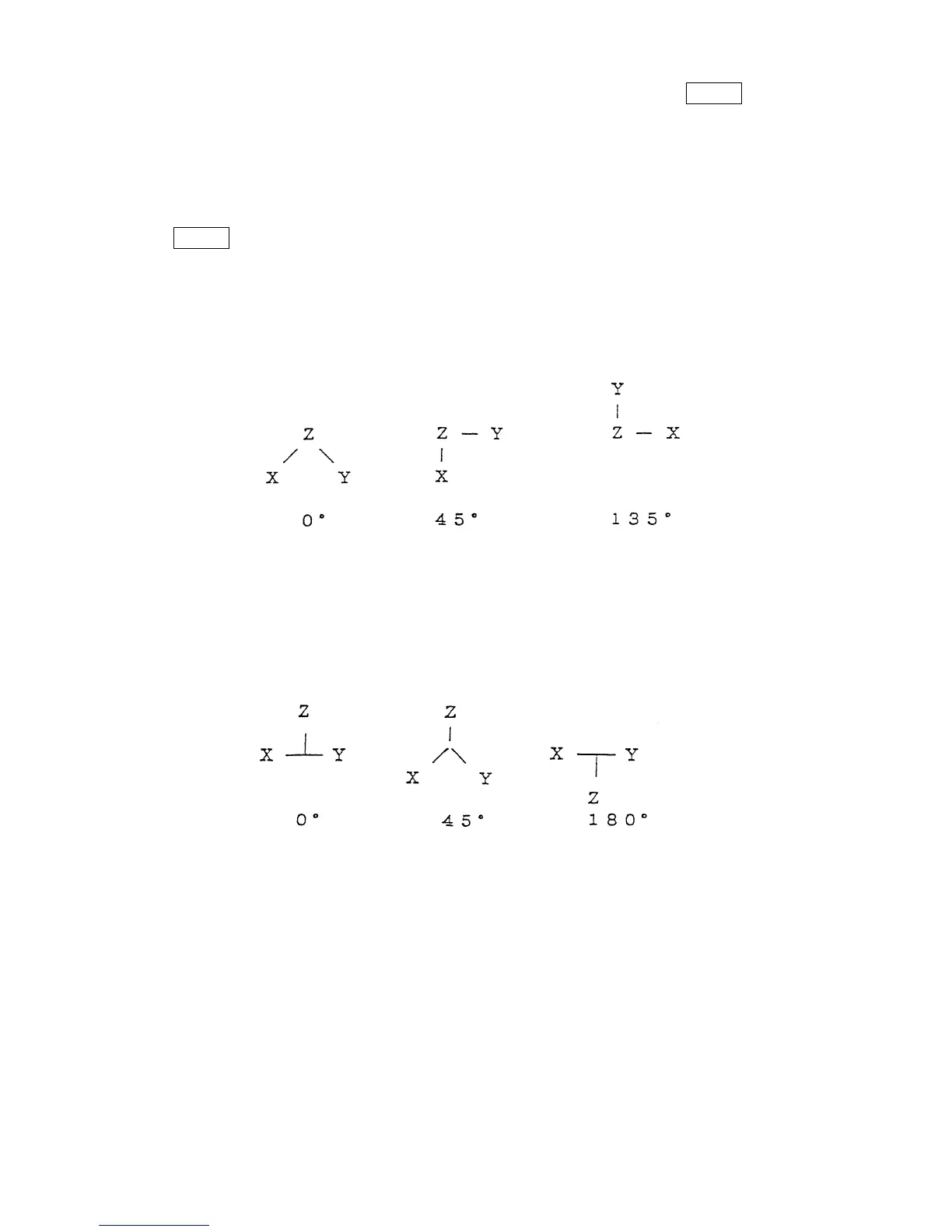
Enter numeral 0-4 (according to the above illustrations), then press the INPUT key.
The selected plane is displayed on the screen.
A numeral with minus sign is ineffective, which gives no drawing plane on the screen.
(2) Rotation Angle
This is effective for drawing plane “0” (3-axis expression) only.
Key in the value of angle in the appropriate area provided for entering, then press the
INPUT key.
(a) Horizontal rotation angle
The rotation angle on the horizontal plane is designated within the range of ±180
degrees by step of 1 degree.
Example: The case of vertical rotation angle = 90° degrees in (XYZ).
(b) Vertical rotation angle
Angle is adjusted to the inclination of the vertical axis.
Example: The case of horizontal rotation angle = 0° degrees in (XYZ).
(3) Designation of Axis
The axis used for the drawing is designated.
Enter the name of axis desired to be designated. Axis name with minus sign is allowed.



 To Next Page