1 - 63
N
(2) Number search
Since all pages have serial number, a page or cursor can be moved at once by the number
search. A search executes by pressing a cursor key after inputting N and
following numerals.
Example N: Number = 12
(Move to No. 12)
N: Number = 1 + 10
(Move to No. 11)
(3) Setting method
1. Set the key switch for writing of
memory to “write side”.
2. Select the setting data screen.
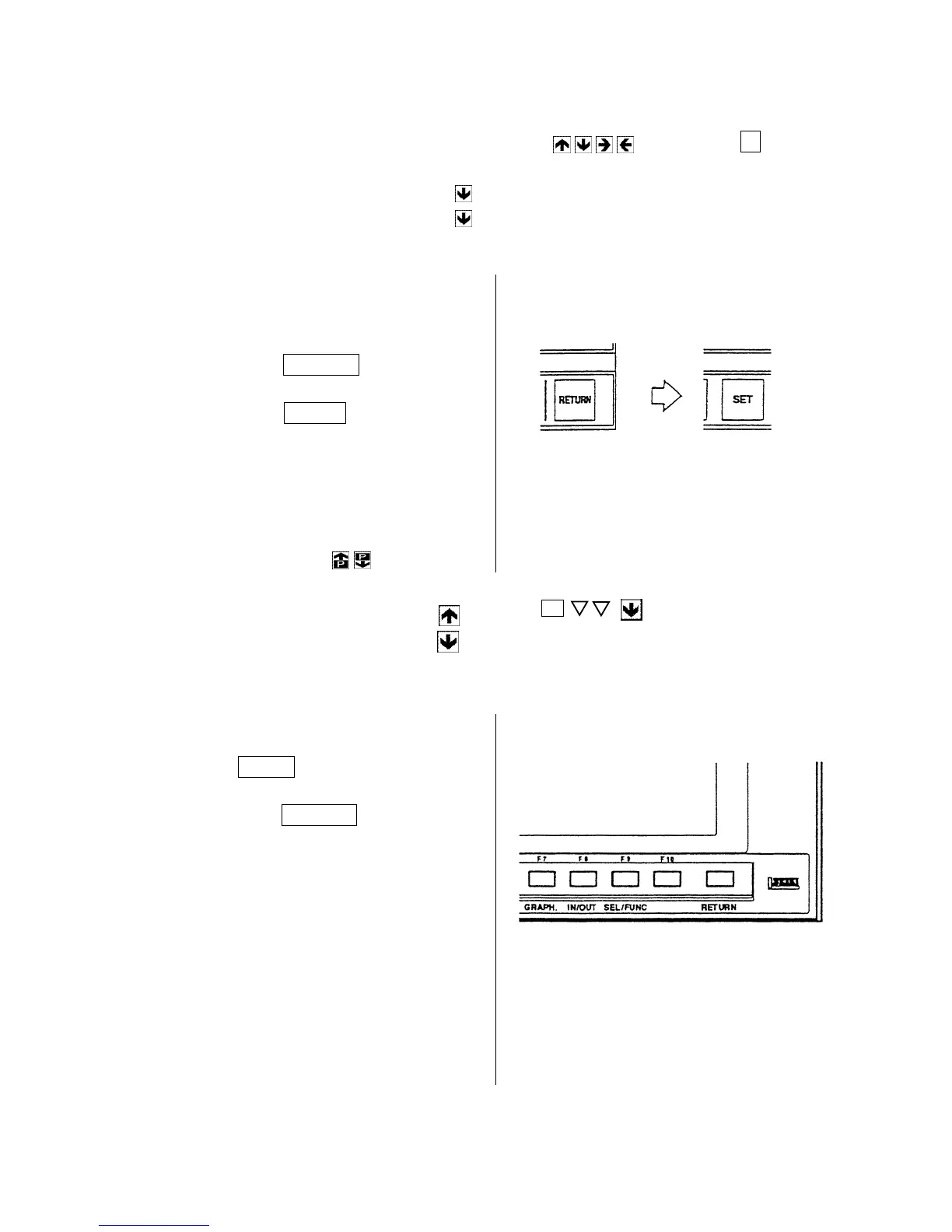
Press the RETURN key.
Press the F5/SET key.
3. Set the cursor to the item to be
changed by the page and cursor key
or number search.
Press the page key and
display a section to be
changed.
4. Key in a desired numeral and press
the INPUT key.
5. press the RETURN key and display
the initial screen after completion of
setting.
or, input the setting number.



 To Next Page