1 - 49
4)
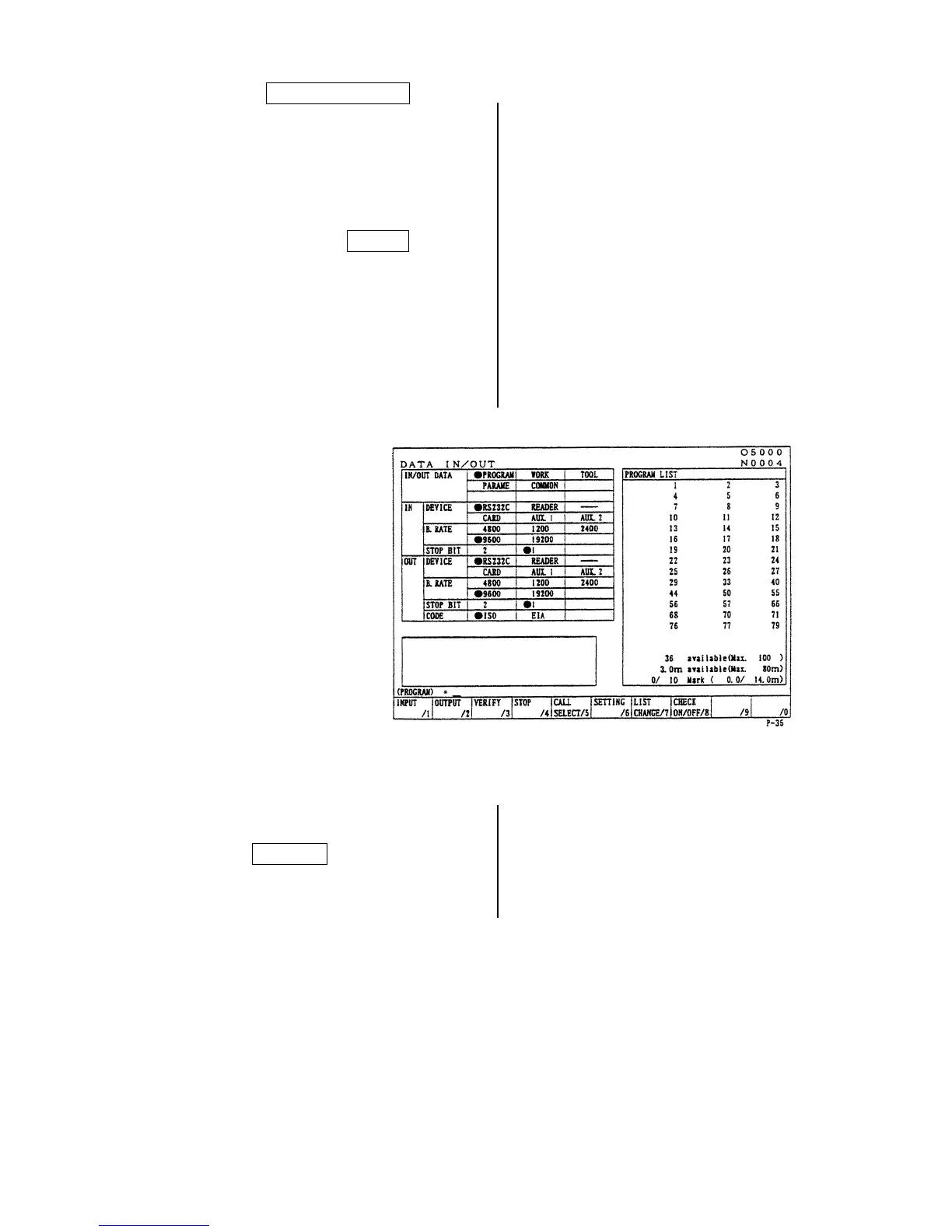
By pressing F7/ LIST CHANGE , switch
over the screen display from “Program No.
List” to “Program No. Detail”.
• To select Program No.
Place the cursor at the Program No. to be
select then press the SPACE .
An asterisk is marked at the head of the
Program No. selected. When selecting all
programs, repeat pressing “ORIGIN”
several times until the mark “*” is
displayed.
Example: O5, O6, O7.
5)
Press the RETURN key after completion of
output and return to the original screen.



 To Next Page