Doc# E166703 10-25
10: Using the Optional Display
Electro Industries/GaugeTech
The Leader In Power Monitoring and Smart Grid Solutions
Electro Industries/GaugeTech
The Leader In Power Monitoring and Smart Grid Solutions
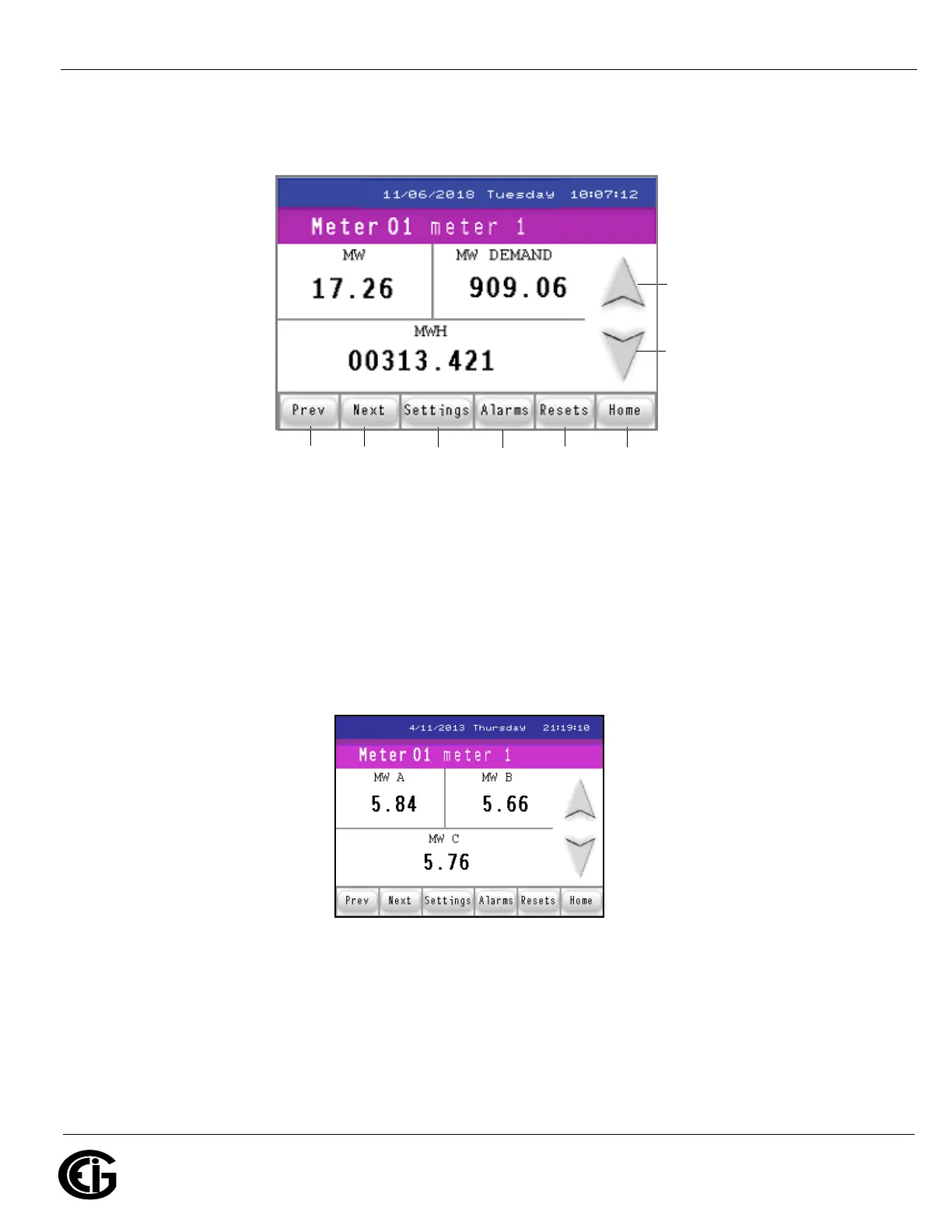
next screen in sequence, either touch the down arrow button or the Next button. See
the figure below for an explanation of the arrow and button actions.
Following are example Readings screens, in the sequence they appear if you keep
touching the Next button or the Down arrow. The caption underneath the screen tells
you whether it is for the MP200-Y unit’s three phase configuration or the MP200-S
unit’s single phase configuration. Some screens are shared by both MP200 unit con-
figurations.
Three Phase Watts per Phase screen (Wye configuration only, not Delta configuration)
Press to go to the
previous screen
Press to go to the
next screen
Press for: Previous Next Settings Alarms Reset Meter Selection
Screen Screen Screens Screen Screen Screen (Home)



 To Next Page