5. Enter the correct starting time.
I ENTER I
Notes:
• Use the beep of the time announcements given on the radio, on
T.V., or by telephone time services.
• The clock starts from 0 seconds.
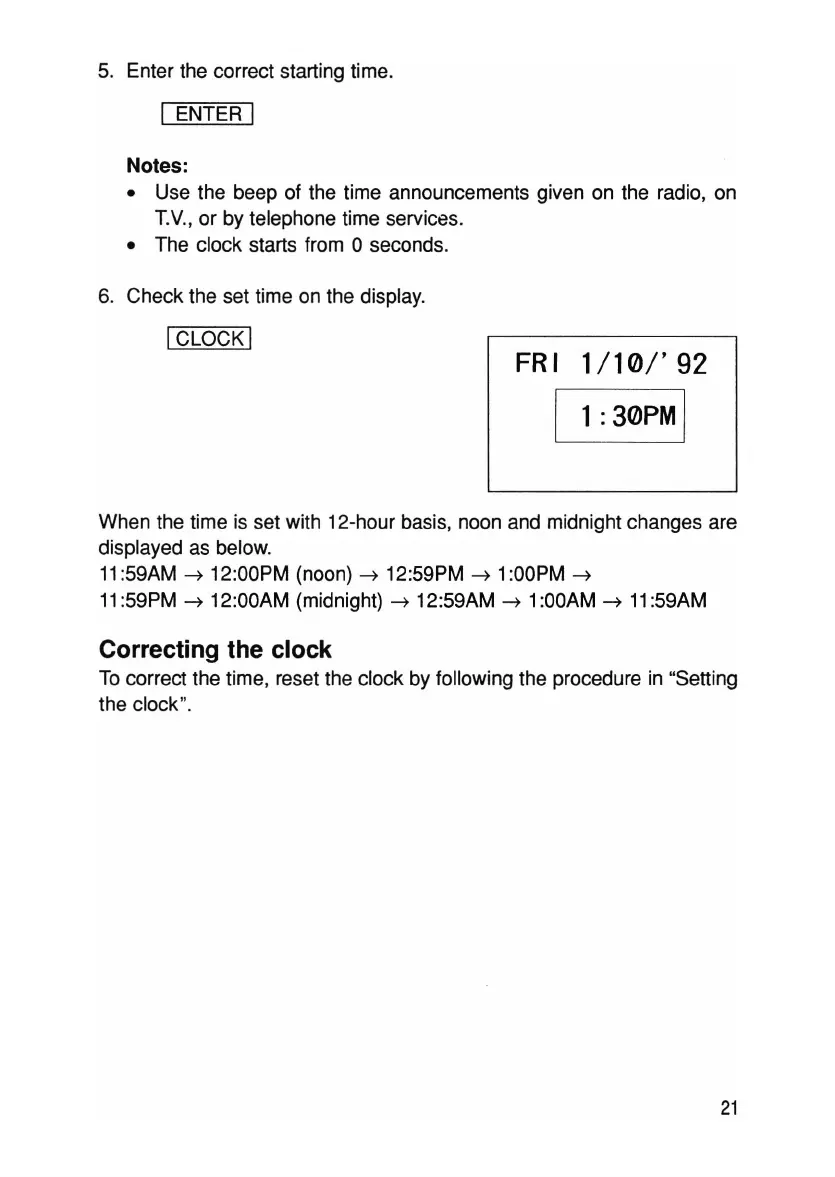
6. Check the set time on the display.
ICLOCK I
FRI
1/10/'92
1:
30PM
I
When the time is set with 12-hour basis, noon and midnight changes are
displayed as below.
11
:59AM
---7
12:00PM (noon)
---7
12:59PM
---7
1
:OOPM
---7
11
:59PM
---7
12:00AM (midnight)
---7
12:59AM
---7
1
:OOAM
---7
11
:59AM
Correcting the clock
To correct the time , reset the clock by following the procedure in "Setting
the clock ".
21



 To Next Page