I
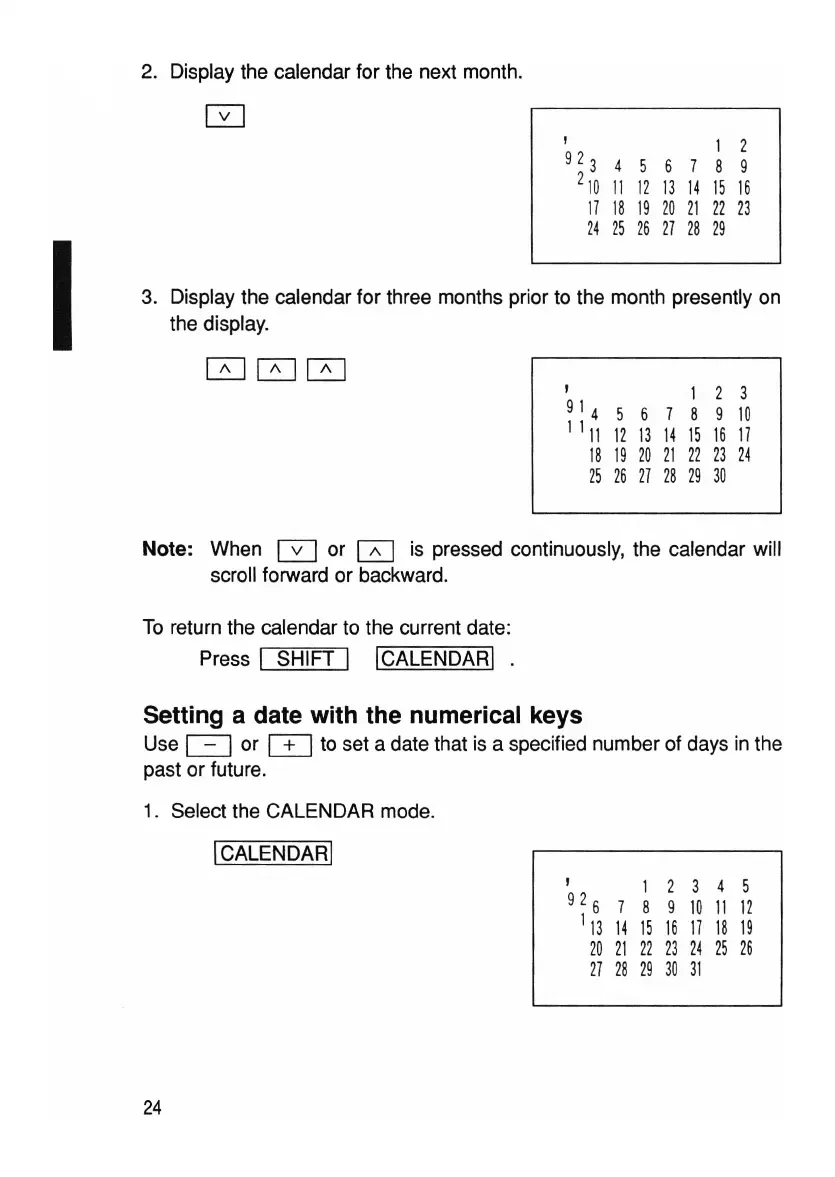
2. Display the calendar for the next month.
, 2
92345679
210 11 12 13 14 15 16
17
18 19
20
21
22
23
24
25
26 27 28 29
3. Display the calendar for three months prior to the month presently on
the display.
000
,
1 2 3
91 4
5 6
7 8 9
10
1 1
11
12
13
14
15
16
17
18 19
20
21
22
23 24
25
26
27
28 29
30
Note: When 0 or 0 is pressed continuously, the calendar will
scroll forward or backward.
To return the calendar to the current date:
Press
I SHIFT I
ICALENDARI.
Setting a date with the numerical keys
Use c=J or
o=J
to set a date that is a specified number of days in the
past or future.
1. Select the CALENDAR mode.
ICALENDARI
24
1 2 3
7 8 9
10
14
15 16
17
21
22
23 24
28
29
30
31
4 5
11
12
18
19
25 26



 To Next Page