Transferring data by mode and by data item
Schedule data are transferred by mode. During mode transfer, data
previously stored in the specified mode of the receiver are deleted.
Proceed with caution.
Note: When mode transfer is carried out in the telephone directory mode,
all listings in the directory will be transferred. (In this case, the
directory name is transferred at the same time.)
1. Select the mode on the transmitter and receiver.
ISCHEDULE I I C'CE I(Transmitter)
ISCHEDULE I (Receiver)
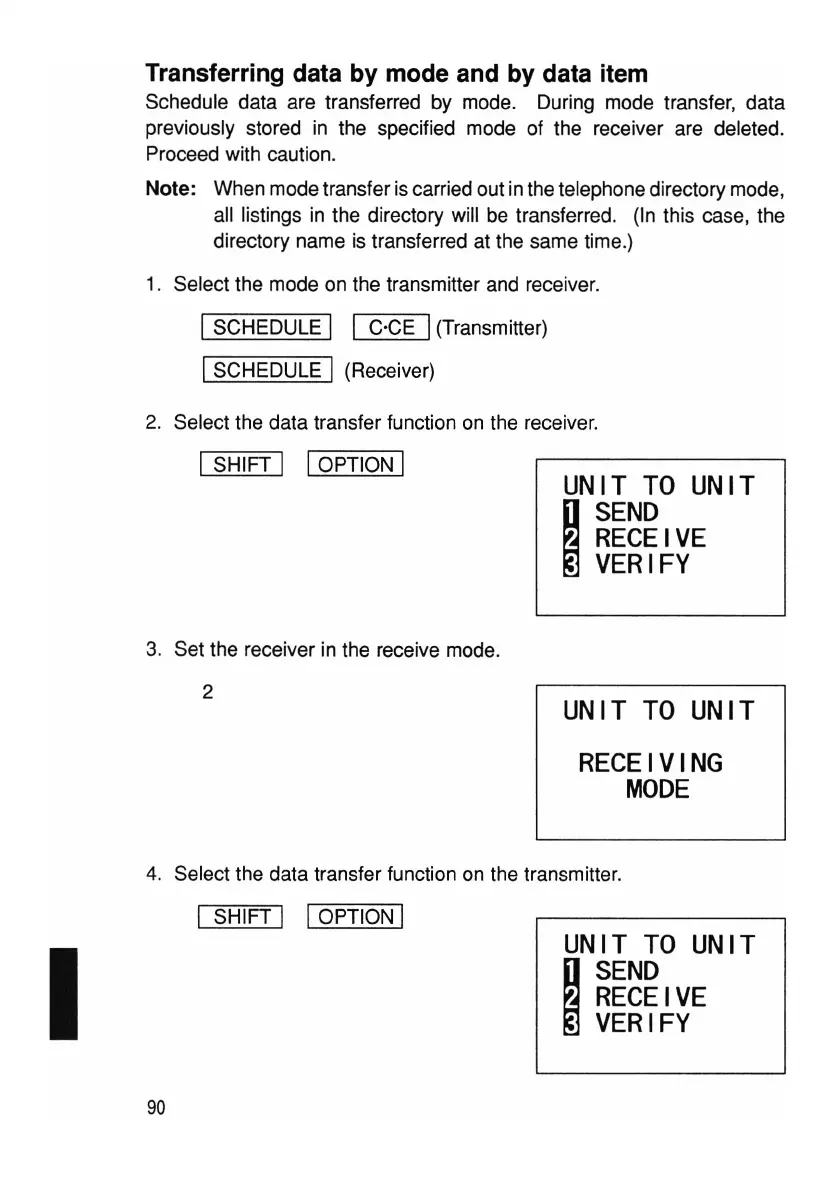
2. Select the data transfer function on the receiver.
ISHIFT I IOPTION I
3. Set the receiver in the receive mode.
2
UNIT
TO
UNIT
~
SEND
RECEIVE
VERIFY
UNIT
TO
UNIT
RECEIVING
MODE
I
4. Select the data transfer function on the transmitter.
I SHIFT I IOPTION I
UNIT
TO
UNIT
~
SEND
RECEIVE
VERIFY
90



 To Next Page