Note: When transferring by data item, display the desired data and
press
I SHIFT I IOPTION I .
5. Perform data transfer.
Notes:
• If the mode of the transmitter and the mode of the receiver are not the
same, data transfer is not established. The message "DATAERROR"
is displayed.
When telephone directory data are transferred, directories on the
transmitter and receiver can be different. However, the contents
received by the receiver will be stored in the open directory. For
example, if data transfer is established between file TEL1 in the
transmitter and file TEL3 in the receiver, then the contents of TEL1 will
be sent to and stored in TEL3.
• Turn off the secret function on both the transmitter and the receiver
before mode transfer.
• Ifthe amount of memory available on the receiver at the time of transfer
is insufficient, data transfer is not possible. The message "MEMORY
FULL" appears. Delete any unnecessary data, verify whether the
available memory is sufficient, and repeat the data transfer procedure.
Transferring backup data
All the contents of the Organizer are transferred. During backup data
transfer, data stored on the receiver are deleted. Proceed with caution.
(Backup data transfer is only possible between identical products.)
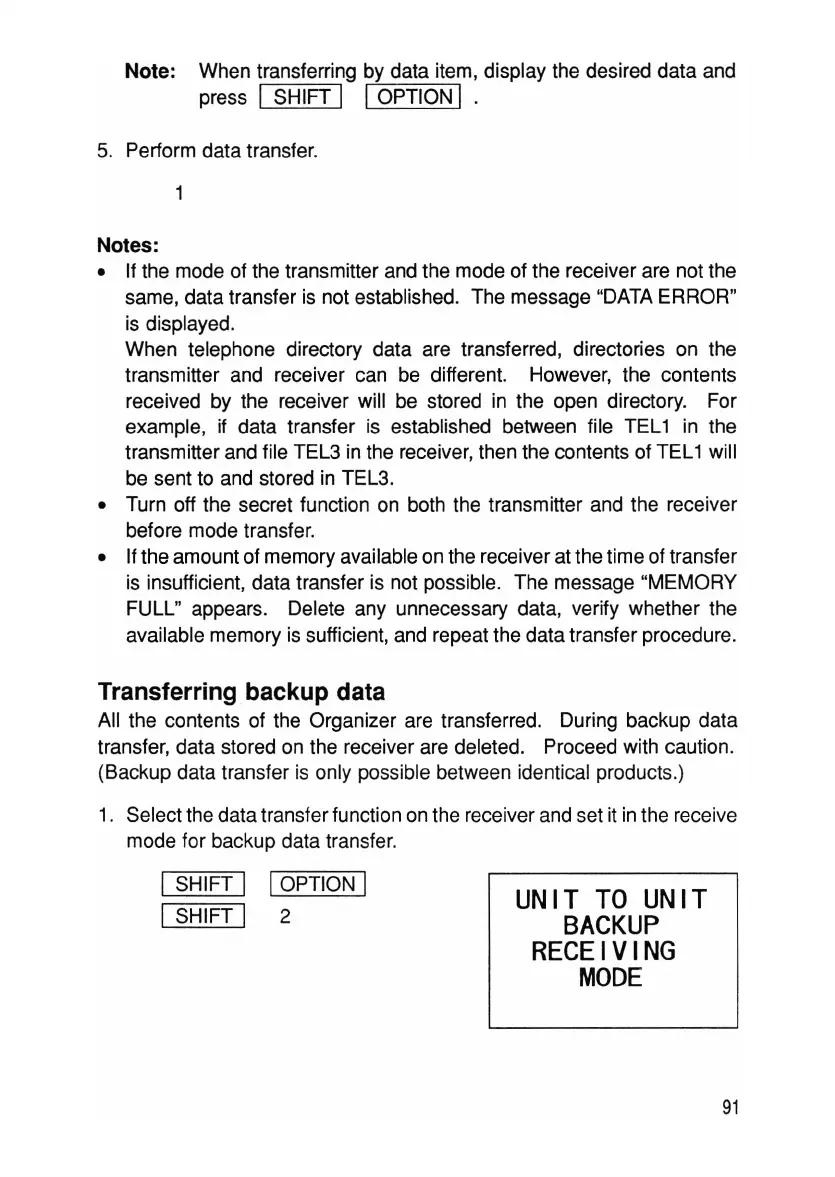
1. Select the data transfer function on the receiver and set it in the receive
mode for backup data transfer.
I SHIFT I IOPTION I
ISHIFT I 2
UNIT
TO
UNIT
BACKUP
RECEIVING
MODE
91



 To Next Page