26
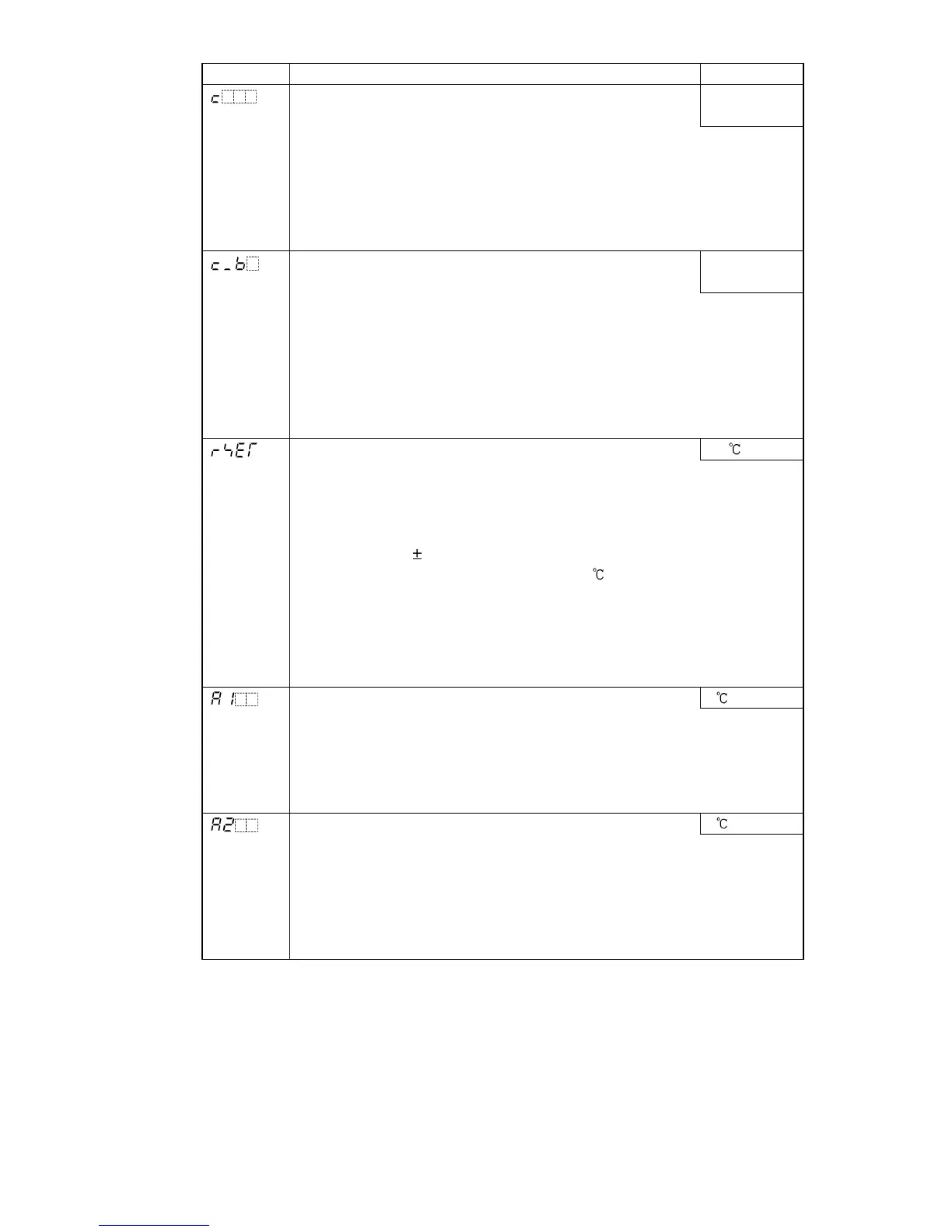
Character Name, Function, Setting range Default value
OUT1 proportional cycle
• Sets OUT1 proportional cycle.
R/M: 30 sec
S/M: 3 sec
• Not available for DC current output type or if ON/OFF control is selected
during Control action selection
• For the relay contact output type, if the proportional cycle time is
decreased, the frequency of the relay action increases, and the life
of the relay contact is shortened.
• Setting range: 1 to 120 seconds
OUT2 proportional cycle
• Sets OUT2 proportional cycle.
DR: 30sec
DS: 3sec
• Not available for DC current output type
Not available if Heating/Cooling control (DR, DS, DA option) is not
added, or if ON/OFF control is selected during Control action selection
• For the relay contact output type, if the proportional cycle time is
decreased, the frequency of the relay action increases, and the life
of the relay contact is shortened.
• Setting range: 1 to 120 seconds
Manual reset 0.0
• Sets the reset value to correct the offset (deviation between SV and PV
in equilibrium status).
• Available only when PD control is selected during Control action
selection
• Setting range:
Proportional band converted value
Thermocouple, RTD input: -199.9 to 999.9
DC voltage input: -1999 to 9999 (The placement of the decimal point
follows the selection)
How to set manual reset:
When SV>PV, set the positive (+) value (SV–PV).
When SV<PV, set the negative (–) value (SV–PV).
A1 value 0
• Sets the action point of Alarm 1 (A1) output.
• Setting the value to 0 or 0.0 disables the function (except Process
high and Process low alarm).
• Not available if Rotary switch is set to No.0 or No.7
• Setting range: Refer to (Table 6.2.2-1).
A2 value 0
• Sets the action point of Alarm 2 (A2) output.
• Setting the value to 0 or 0.0 disables the function (except Process
high and Process low alarm).
• Not available if A2 output (option) is not added or if Rotary switch is set
to No.0 or No.7 during A2 type selection even if A2 option is added.
• Setting range: Refer to (Table 6.2.2-1).



 To Next Page