30
Character Name, Function, Setting range Default value
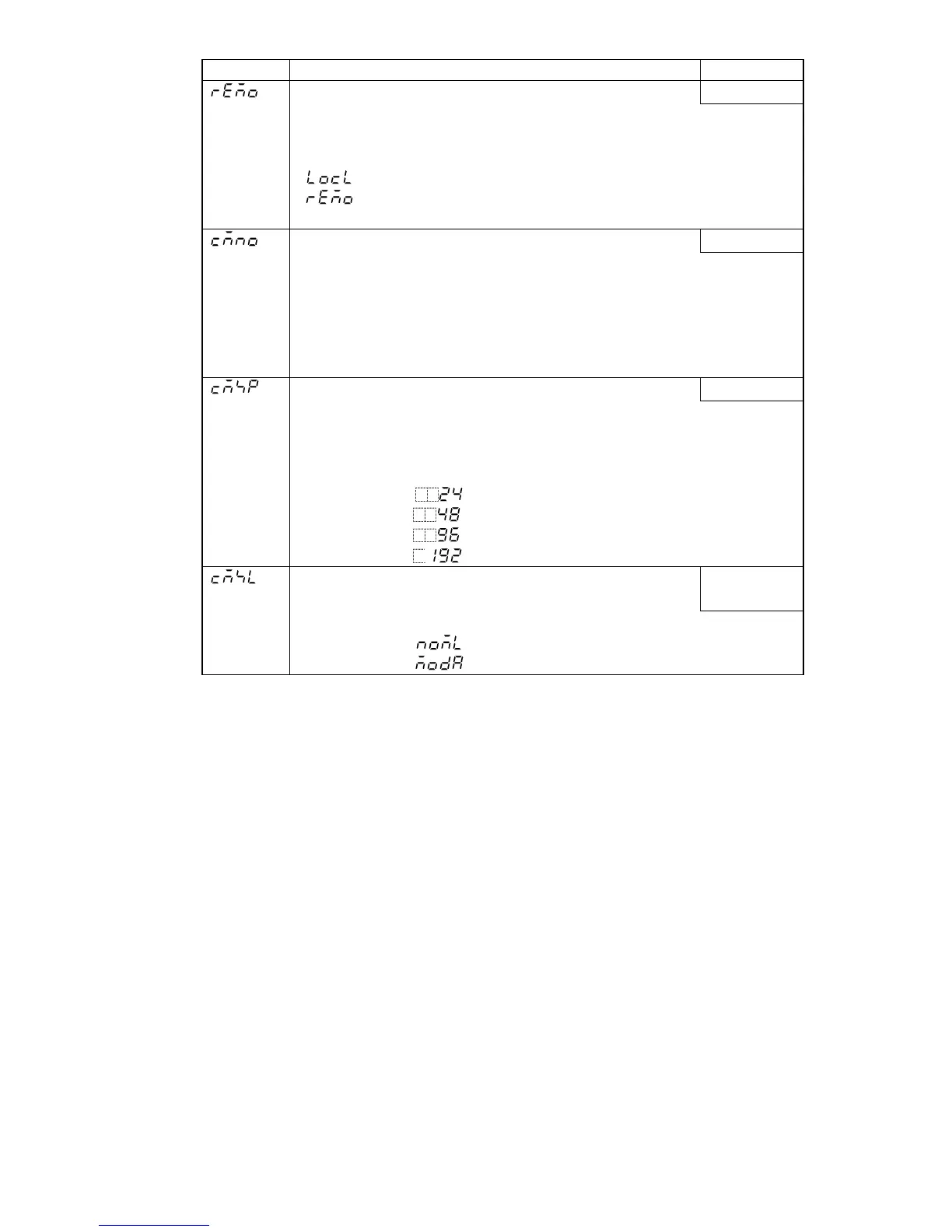
Remote/Local setting
Local setting
• SV can be set with either Remote or Local method.
• Available only when External setting (EA, EV option) is added.
• Selection item:
: Local setting. The SV can be set by the front keypad as usual.
: Remote setting. The SV can be set in analog by external remote
operation.
Instrument number
0
• Sets the instrument number of this unit.
(The instrument number should be set individually when communicating
by connecting plural instruments in serial communication, otherwise
communication is impossible.)
• Available only when the Serial communication (C, C5 option) is added
• Setting range: 0 to 95
Communication speed
9600bps
• Selects the communication speed of this instrument.
(The communication speed of this instrument must be equal to that of
host computer, otherwise communication is impossible.)
• Available only when the Serial communication (C, C5 option) is added
• Selection item:
(2400bps)
(4800bps)
(9600bps)
(19200bps)
Communication protocol
• Selects the communication protocol of this instrument.
Shinko
protocol
• Available only when the Serial communication (C, C5 option) is applied
• Selection item:
(Shinko protocol)
(Modbus ASCII mode)



 To Next Page