37
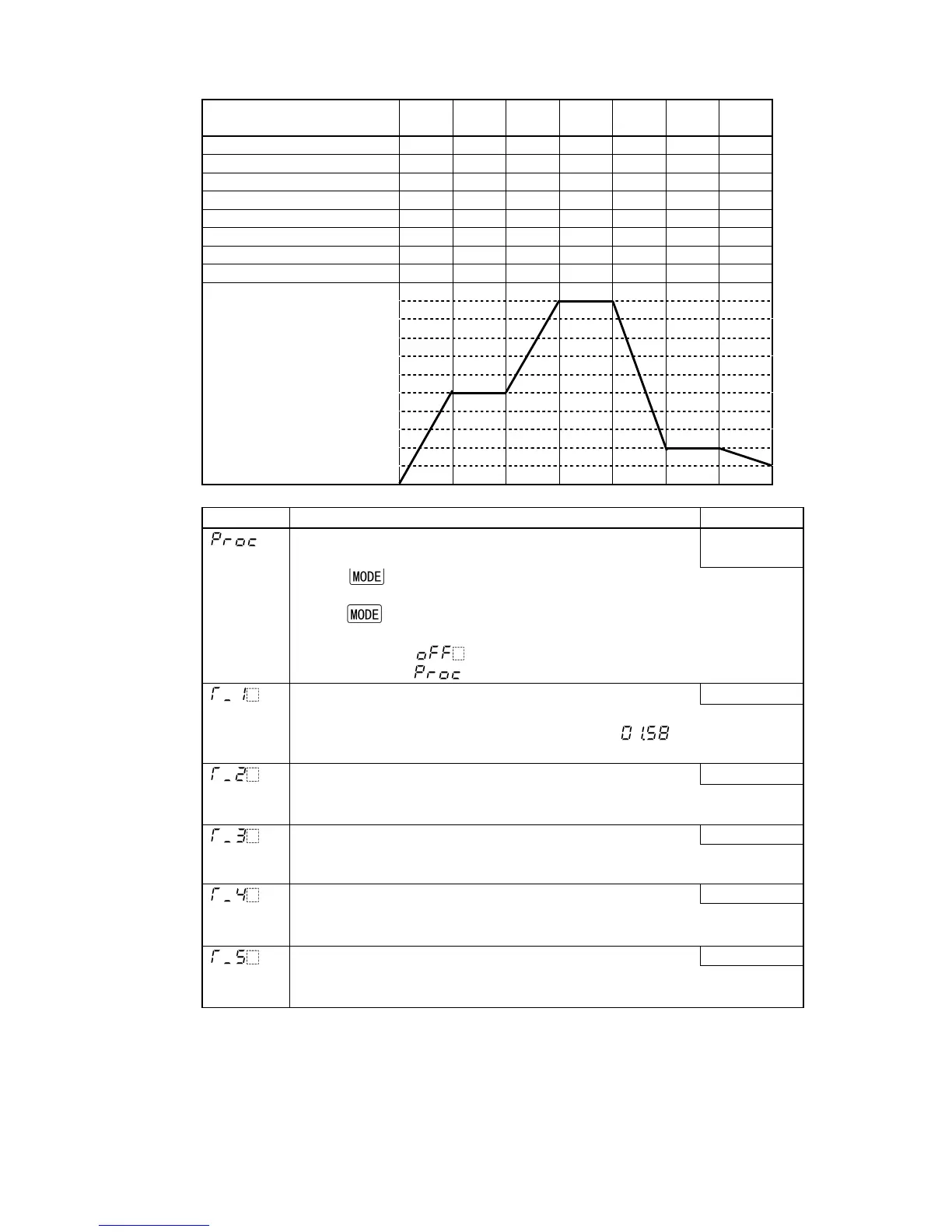
• The following shows the program pattern example.
Set the step time to 00.00 for any unnecessary steps.
[Program example]
Step number
(Set value memory number)
1 2 3 4 5 6 7
Step SV 500 500 1000 1000 200 200 100
OUT1 proportional band 2.0 1.8 2.0 1.8 2.5 1.8 2.0
Integral time 180 80 180 80 200 80 200
Derivative time 30 20 30 20 50 20 50
OUT1 proportional cycle 30 30 30 30 30 30 30
A1 value 2 5 2 5 10 0 5
A2 value 2 5 2 5 10 0 5
Step time 00:30 01:00 00:40 01:00 02:00 00:30 01:00
Character Name, Function, Setting range Default value
Fixed value control/Program control switching
• Fixed value control or program control can be selected.
Fixed value
control
• If the key is pressed after selecting the fixed value control, the
controller reverts to the PV/SV display mode.
If the
key is pressed after selecting the program control, step time
from Step 1 to Step 7 can be set.
• Selection item:
: Fixed value control
: Program control
Step 1 time 00.00
• Sets Step 1 time. (Available only for program control)
(e.g.) When setting 1 hour 58 minutes, set as [ ].
• Setting range: 00.00 to 99.59
Step 2 time 00.00
• Sets Step 2 time. (Available only for program control)
• Setting range: 00.00 to 99.59
Step 3 time 00.00
• Sets Step 3 time. (Available only for program control)
• Setting range: 00.00 to 99.59
Step 4 time 00.00
• Sets Step 4 time. (Available only for program control)
• Setting range: 00.00 to 99.59
Step 5 time 00.00
• Sets Step 5 time. (Available only for program control)
• Setting range: 00.00 to 99.59
0
500
1000



 To Next Page