Troubleshooting Problems and Solutions
4
ShoreTel IP Phone 420 User Guide 40
Problems and Solutions
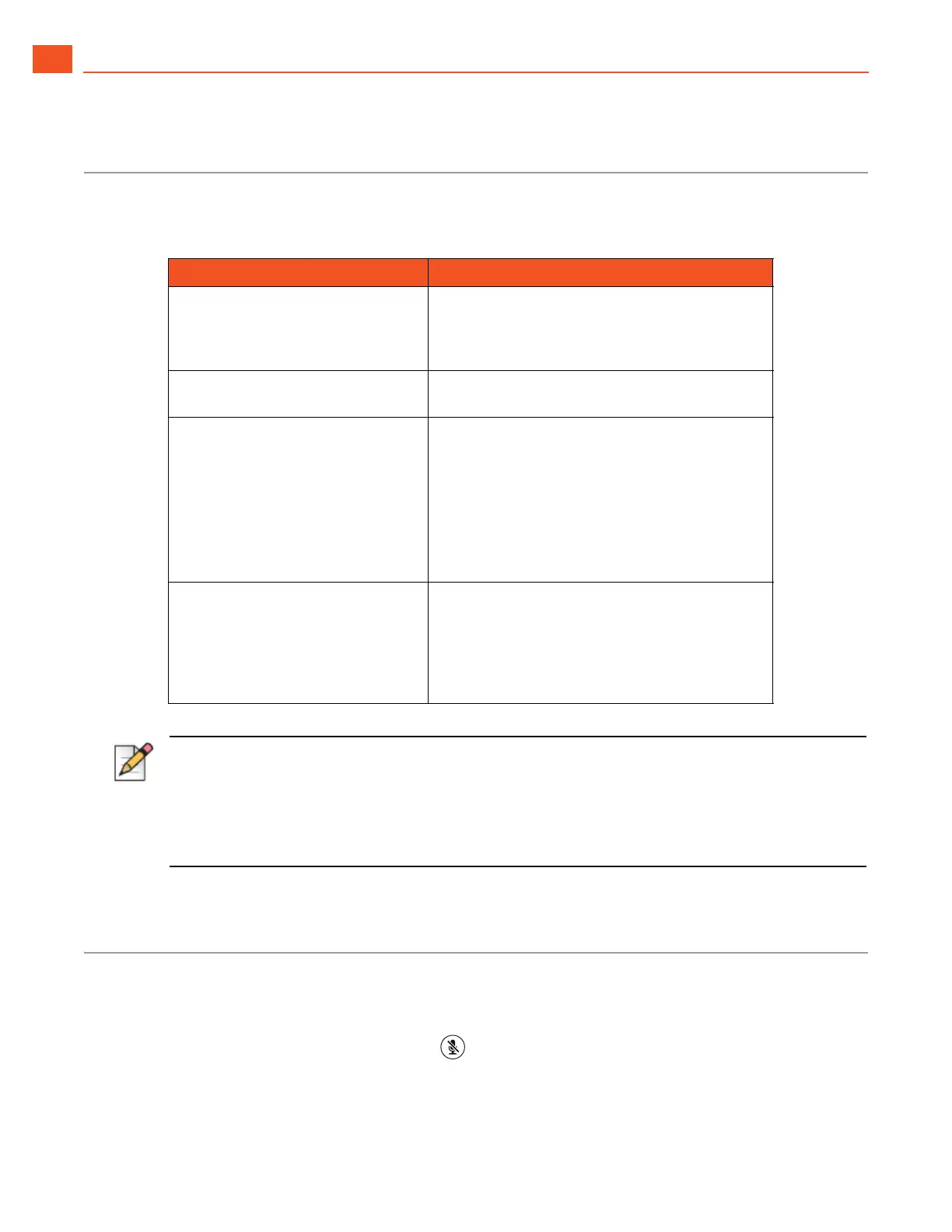
Tab le 2 shows common problems and solutions.
Viewing Phone Information
You can view information about your phone, such as its IP address, subnet mask, version, and MAC
address.
1. With the phone on hook, press the button.
The LED should not light and you shouldn't hear any tones; if this isn't the case, lift and replace the
handset.
Table 2: Troubleshooting
Problem Solution
When callers try to leave a
message, they are notified that your
mailbox has exceeded its limit and
is unable to accept new messages.
Your mailbox is full. You must delete messages
you no longer need.
Your phone’s display shows “No
Service.”
Your phone is temporarily inoperable. Contact
your system administrator.
Your phone’s display is blank. Try the following solutions:
Your phone might be in power-saving mode.
Go off hook or press any key to bring the
phone screen back to full brightness.
The phone might not be connected to a
working power source. Contact your system
administrator.
You hear no dial tone when you
take the handset off hook, but you
hear a dial tone when using either
the speaker or a headset.
The handset cable must be plugged firmly into
place on both the phone base and the handset.
To ensure a tight connection, unplug and
reconnect the cable at both points, clicking the
jack firmly into place. Take the handset off hook
and listen for a dial tone.
Note
The mailbox warning is triggered when there is space for only 10 additional messages in your voice
mailbox. As your
voice mailbox approaches its limit, a warning message is played indicating that there
is enough space for only “n” number of messages, where “n” is a countdown from 10 to 0. This
message is played each time you log into the voicemail system until you delete enough messages to
reduce the number of messages below the threshold.



 To Next Page