"Diagnostics" tab
Purpose
This tab displays general diagnostic information about the current device.
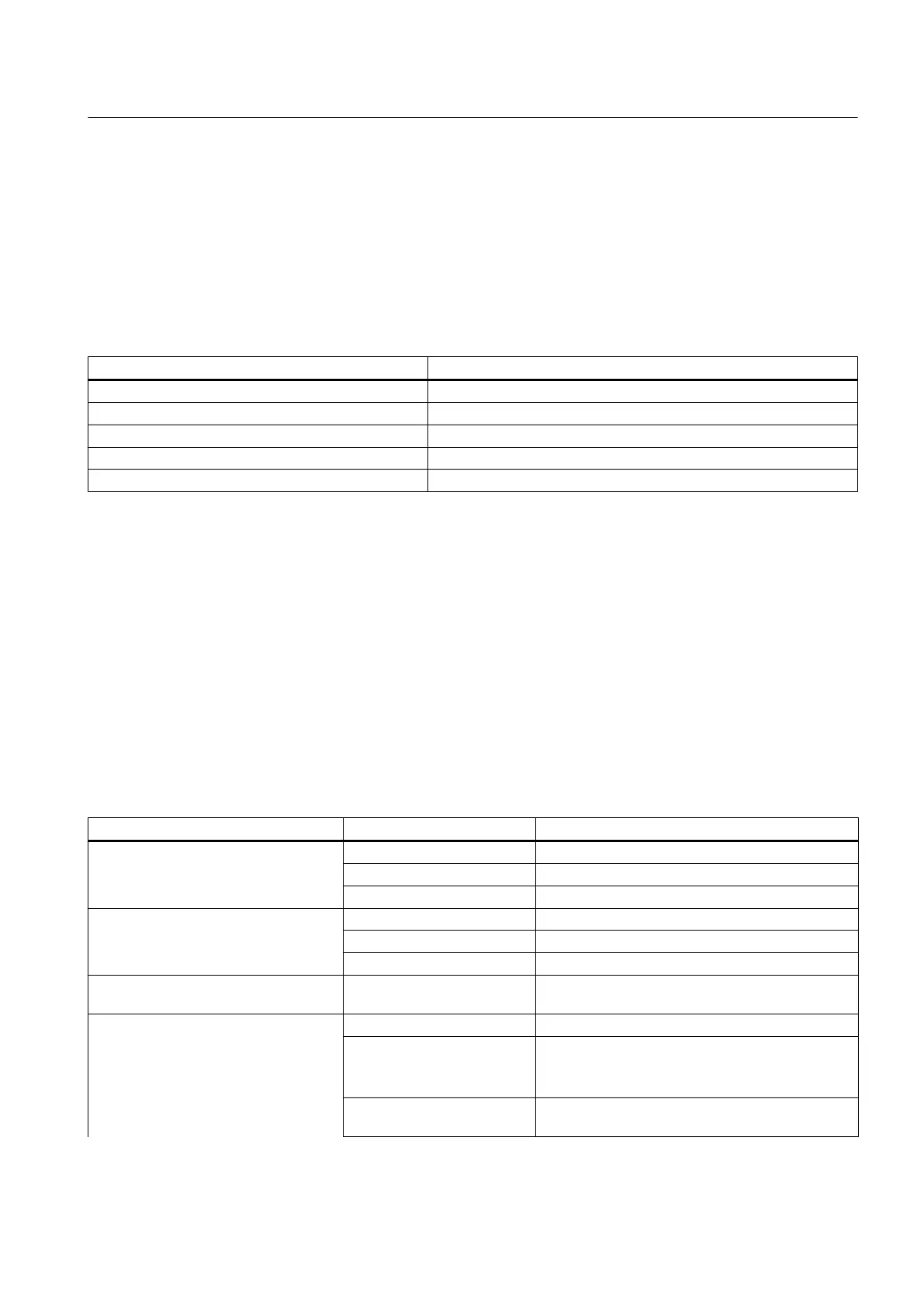
"Measuring circuit identification data" area
Field/button Explanations/operating instructions
Communication Shows whether the communication is good or faulty.
Device status Shows detailed information about the status of the connected device.
Last check Shows the date when the device was last tested.
Message text Shows detailed information about the device status.
"Update diagnostics" button Click the "Update diagnostics" button if required.
"Settings for measuring range" tab
Purpose
You can specify the calibration settings and the information for the measuring circuit test in
this tab.
"Selected channel" drop-down list
You can select the channel number (1 ... n) of the active channel in this drop-down list.
"Settings for measuring range for channel 1 ... n" area
Area Field Explanations/operating instructions
Measuring range
Unit of measure Enter the current unit of measure.
Start value Enter the start value.
End value Enter the end value.
Output
Unit of measure Enter the current unit of measure.
Start value Enter the start value.
End value Enter the end value.
Permitted deviation between
actual value and setpoint.
Maximum permissible deviation between the
actual value and setpoint in percent.
Characteristics Table Table column header You can enter up to ten value pairs.
Measured value The measured value is specified by the tester as a
percentage.
The unit of measure cannot be changed here.
Encoder signal of the
specified value
Value is calculated based on the settings and
specified measured value.
Menus and dialog boxes in SIMATIC PDM
8.3 "Device" menu
Help for SIMATIC PDM (V8.2)
Operating Manual, 02/2014, A5E33203676-AA 181







 To Next Page