57
GB
2.1 FUNCTION SUMMARY
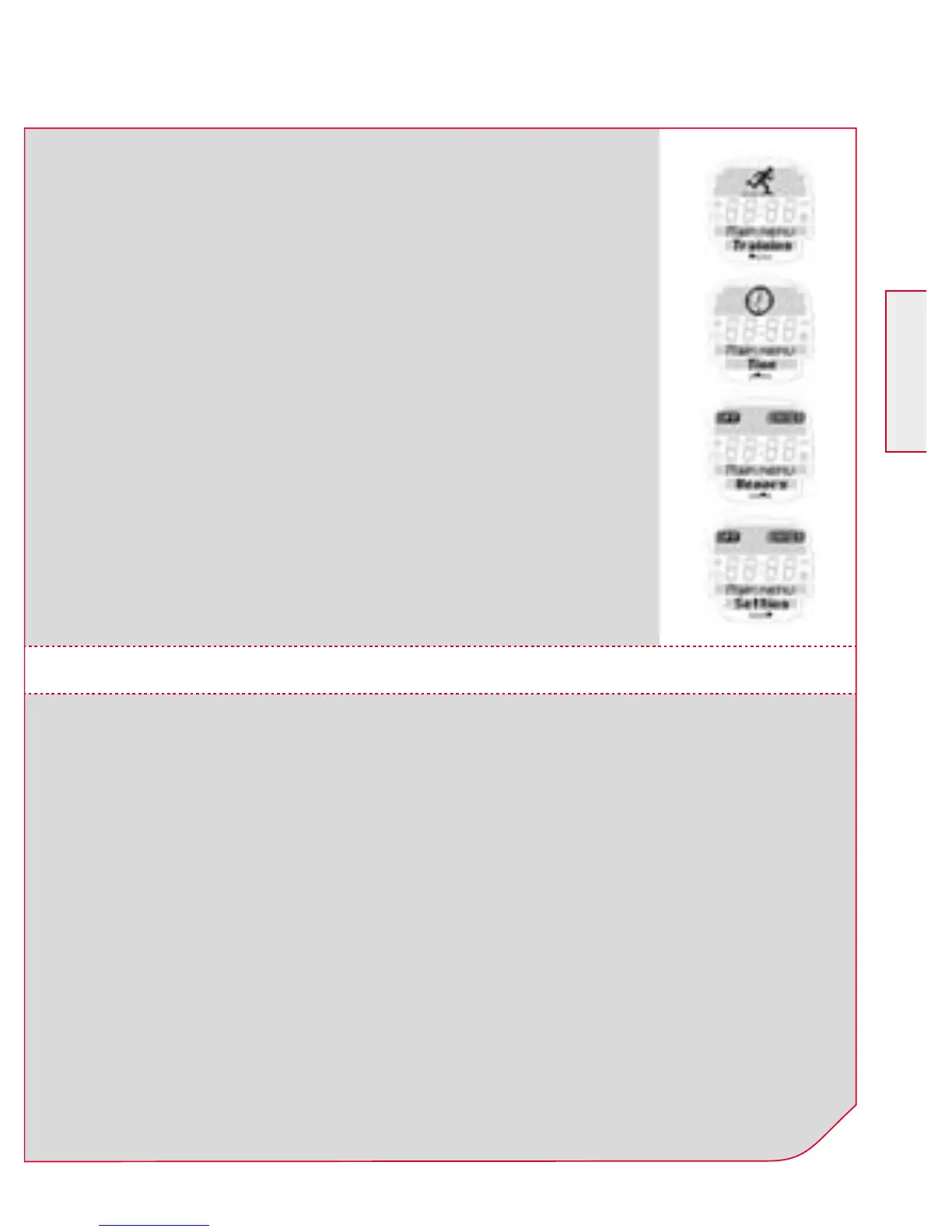
The four main menus of the ONYX PRO
Your ONYX PRO is classified into 4 main menus
– “training”, “time”, “memory” and “setting”.
The symbol and description on the screen
indicates where you find yourself in the main
menus. Use the PLUS /MINUS buttons to
change between the individual main menus.
The ONYX PRO covers three menu levels. When navigating
through the menus and submenus of the ONYX PRO the user
should always refer to the tree diagram in Chapter 2.1 “Function
summary”.
The menu guidance on the ONYX PRO is made much simpler by
the navigation level. The navigation level always appears when you
press one of the two upper function buttons. The possible buttons
functions for the two upper buttons are shown in the navigation
level in order to:
k Move to the next deeper level (ENTER)
k Go back to the next higher level (BACK /OFF)
2.2 KEY OCCUPANCY AND NAVIGATION PRINCIPLE



 To Next Page