86
www.sigmasport.com
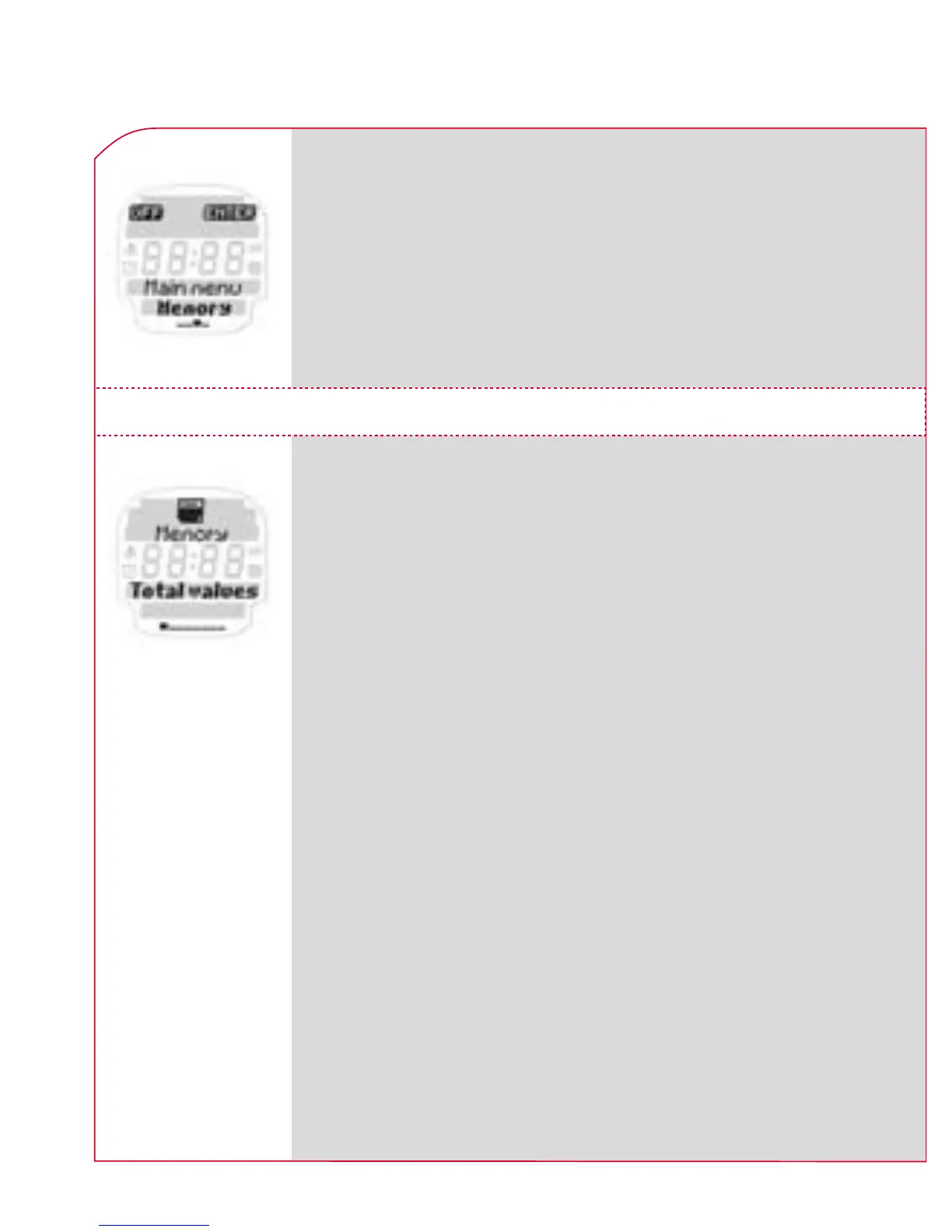
Press the Navigation button k ENTER to open
the “memory” menu.
Use the PLUS /MINUS buttons to select the
total values and memory 1–7.
6. MAIN MENU MEMORY
Press the Navigation button k ENTER to open
the total values menu or memory 1–7.
In total values you can see the training units you
have completed over various periods of time in a
kind of training diary. In this way you can observe
the most important training data over a much
longer period than in memory 1–7. In contrast
to memory 1–7 this memory is not used to
precisely analyze an individual training unit but
rather to analyze the “training discipline” over a
longer period (how regularly have I trained in a
certain week or month).
6.1 TOTAL VALUES



 To Next Page