85
GB
5. MAIN MENU TIME
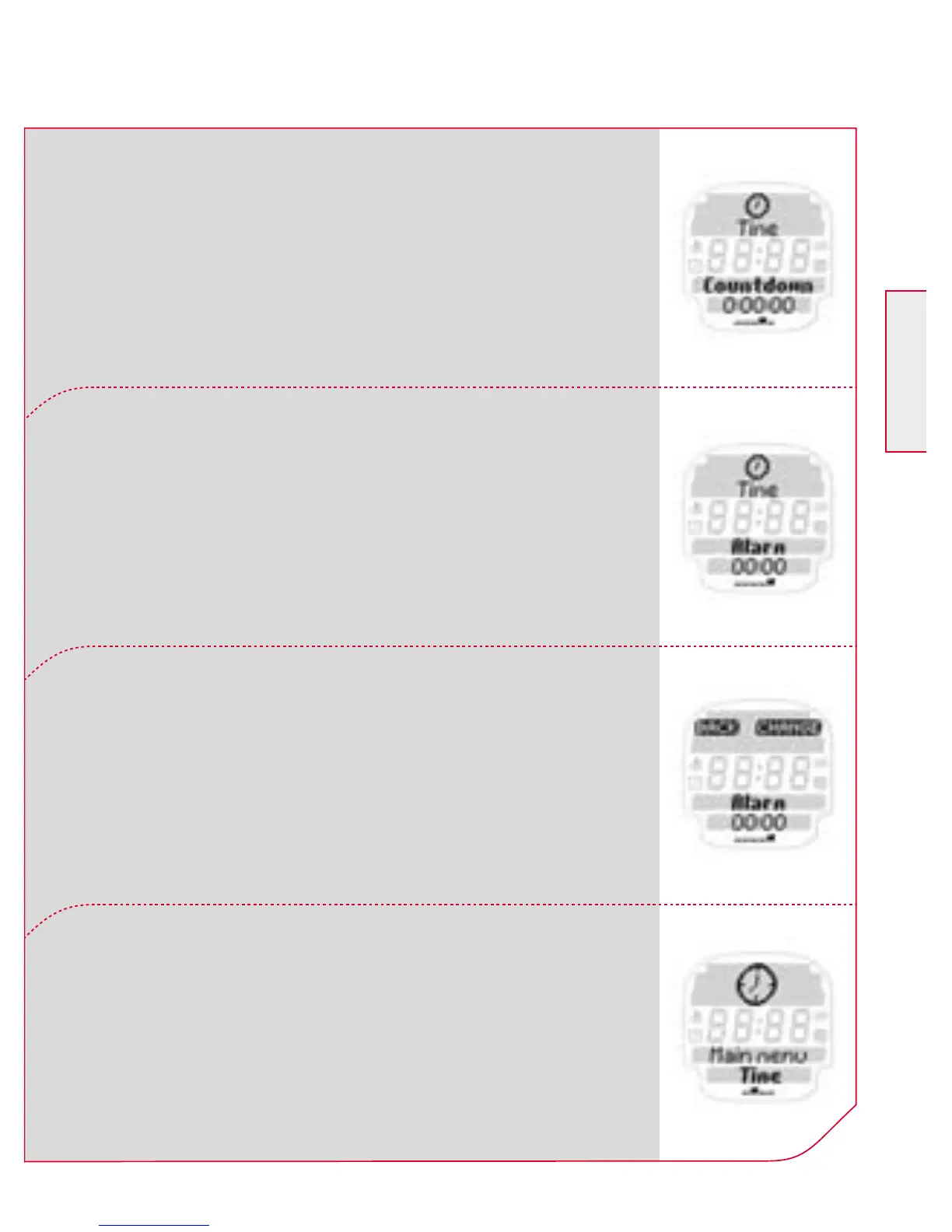
The countdown timer counts a freely selectable
time down to “0” and then issues an acoustic
and optical alarm.
To set the countdown timer press the Navi-
gation button k CHANGE. Then follow the
instructions on the screen.
You can also use your ONYX PRO as an alarm or
reminder. To set the alarm press the Navigation
button k CHANGE.
Then follow the instructions on the screen.
To leave the “time” menu press the Navigation
button k BACK.
You are now back in the main menu “time”.



 To Next Page