84
www.sigmasport.com
5. MAIN MENU TIME
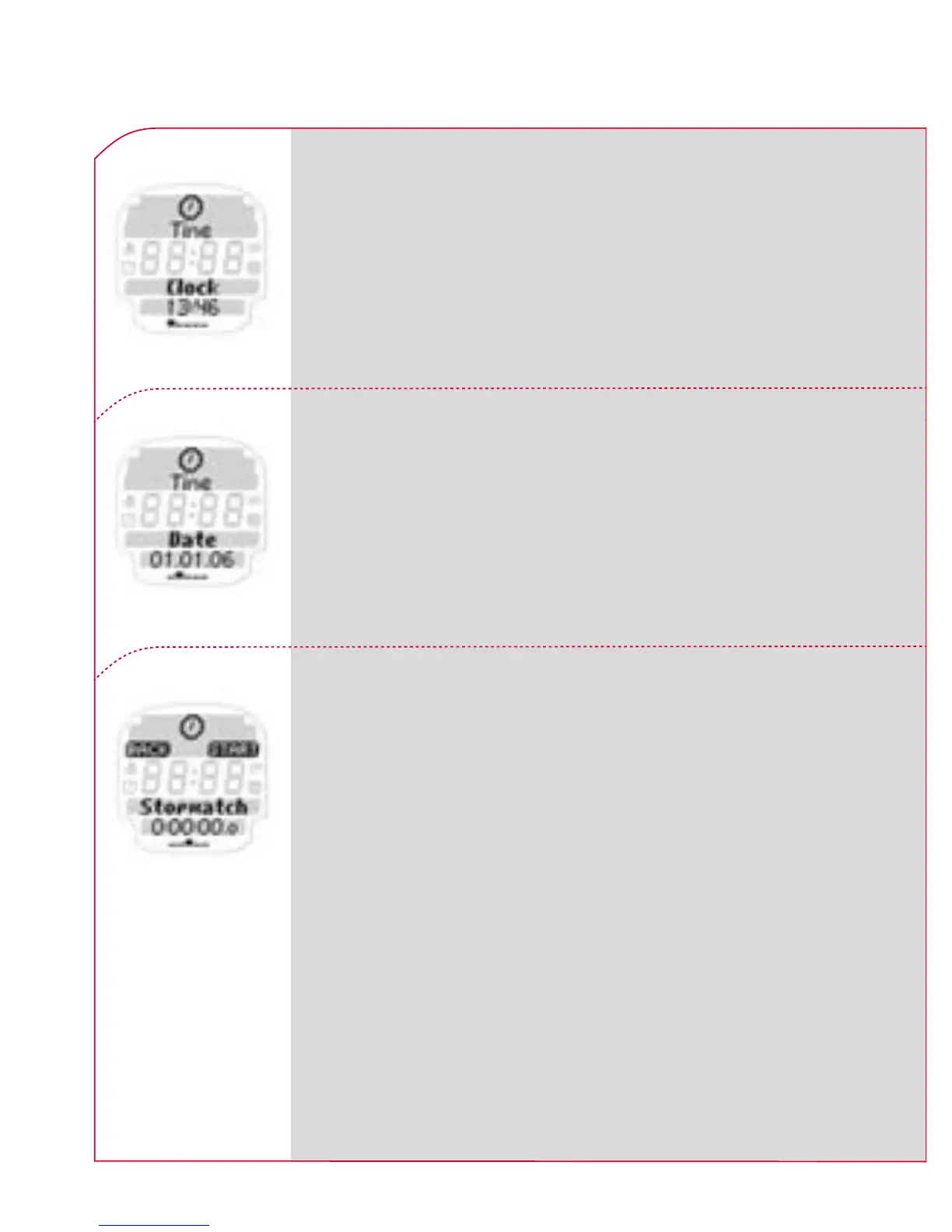
The ONYX PRO shows you the current time.
Please refer to Chapter 3.2 Unit settings
for more information “setting” the time in
the “Setting unit” menu.
The ONYX PRO shows you the current date.
Please refer to Chapter 3.2 Unit settings
for more information “setting” the date in
the “Settings main” menu.
The stopwatch is used to measure time sepa-
rately from training. To start your stopwatch
press k START. Then follow the instructions
on the screen.
Note: If the stopwatch or countdown timer is
activated in the main menu “Time”, these func-
tions continue in the background of sleep mode
and the relevant icon is displayed on the screen.



 To Next Page