65
GB
3.1 SETTING USER
The setting unit menu provides the language
(D, GB, F, ES, IT) / date / clock (12 / 24 h mode)
and various volume settings.
Please refer to Chapter 7.5 “Beep summary” for
a summary of the acoustic signals. You will find
information on the setting principle at the start
of this chapter.
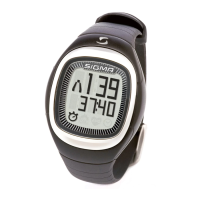
In the sub menu setting unit you can personalise
the ONYX PRO using the “my name” function. In
sleep mode the watch displays the name or any
font of up to 8 characters in length.
3.2 SETTING UNIT
IAT
Ambitious, competitive athletes have the opportunity with the
ONYX PRO to programme in their individual anaerobic threshold =
IAT. The training zones are then determined by IAT instead of max
HR. The foundation of this very precise method of determining the
training zones and performance is a lactate measurement. Please
refer to Chapter 7.2 “IAT and lactate measurement” for more infor-
mation on IAT.
In addition to the preprogrammed endurance
and interval training your ONYX PRO gives you
the option of freely programming your own
endurance or interval training.
3.3 SETTING TRAINING



 To Next Page