75
GB
4.2.3 MARATHON
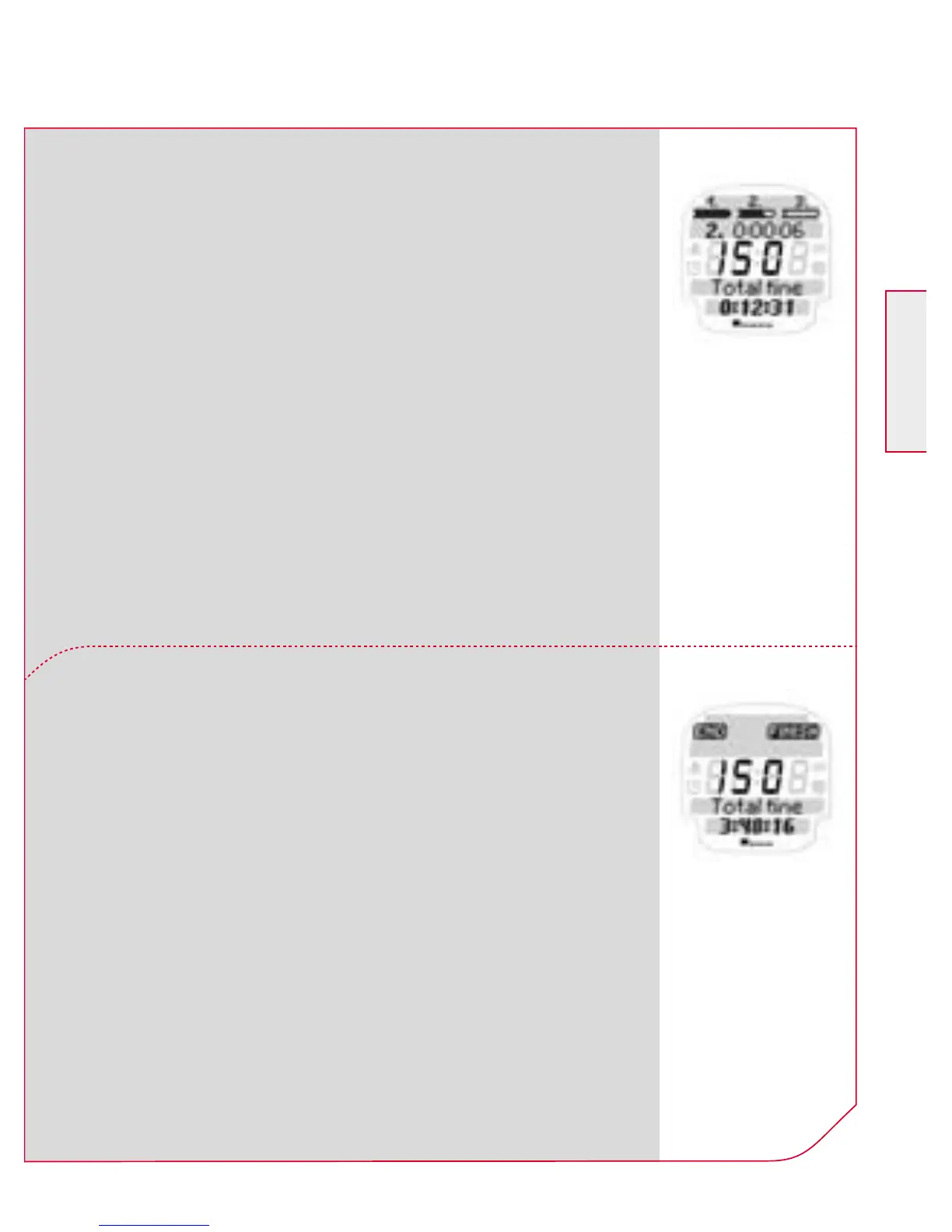
When you pass the finish line press the
Navigation button k FINISH.
Important:
Confirm the data saved immediately by
pressing YES.
This starts the next kilometre.
The previous kilometre time flashes for 5 sec. in
the upper display area. In the upper area of the
display you will find all the information on your
3 target zones or IAT ranges and the current
percentage of your heart rate related to your
maximum heart rate (HR max.) or your IAT.
Important:
Do not forget to confirm each kilometre by
pressing k NEXT. Otherwise a “double kilo-
metre” is recorded and the number of kilo-
metres will be incorrect.



 To Next Page