08
|
Hardware
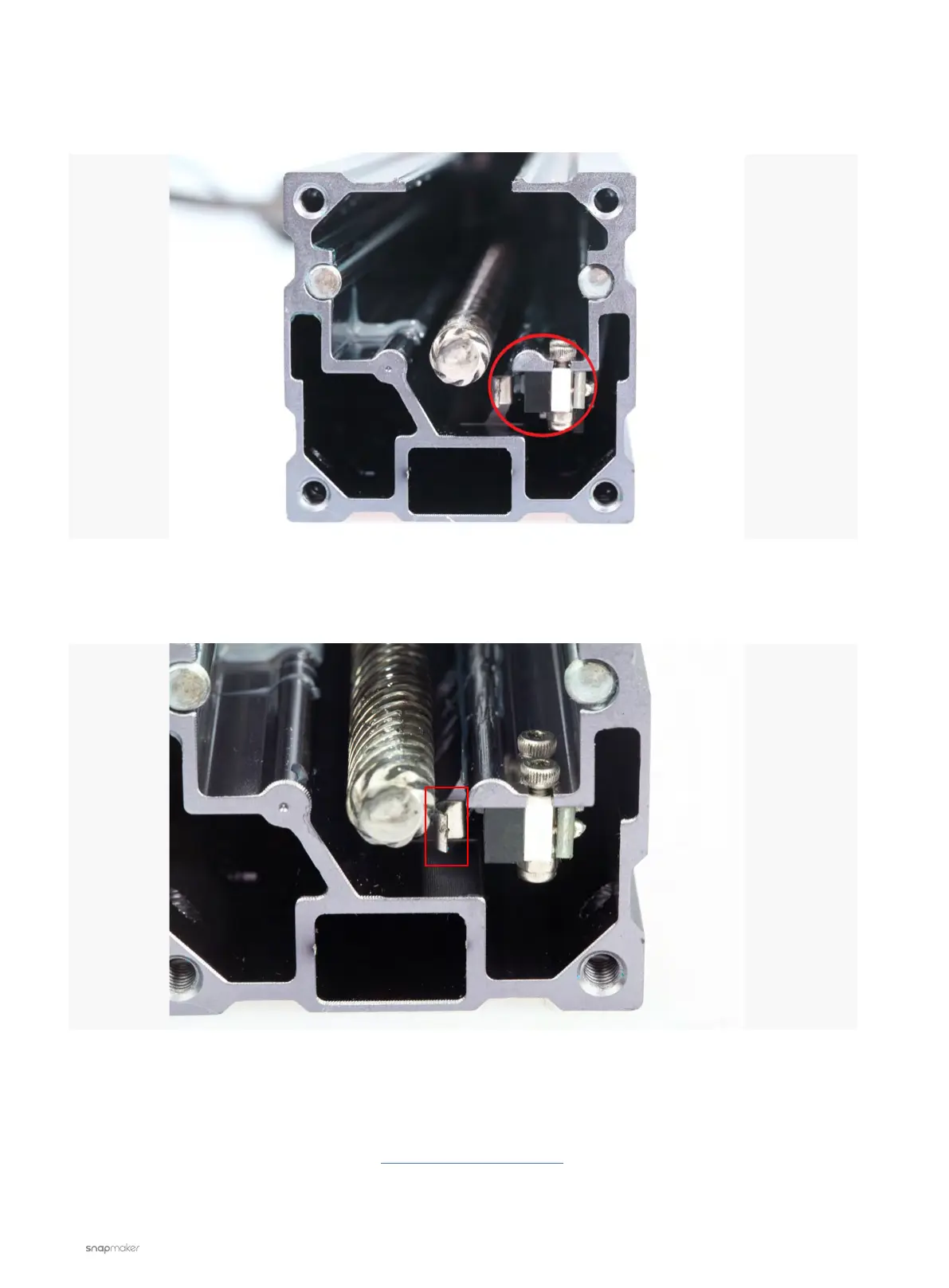
3.2 Find the end-stop switch as shown in the picture below. Clean and check the end-stop switch to make sure
it is intact.
3.3 Press the metal piece circled in the picture below with your hand, see if the end-stop switch can make a
click sound.
3.4 Assemble the Linear Module.
4. Check if the Linear Module works. If not, replacing the Linear Module might solve the problem.
If the problem persists, please contact us at support@snapmaker.com for further assistance.



 To Next Page